
Made by dispatchers for dispatchers
Learn LoadsHub.
Build your office workflow.
12 short video tutorials, with chapters, English captions, and full transcripts. Start with team setup or go straight to the job you need to do.
Follow the office setup checklist →Set up your office
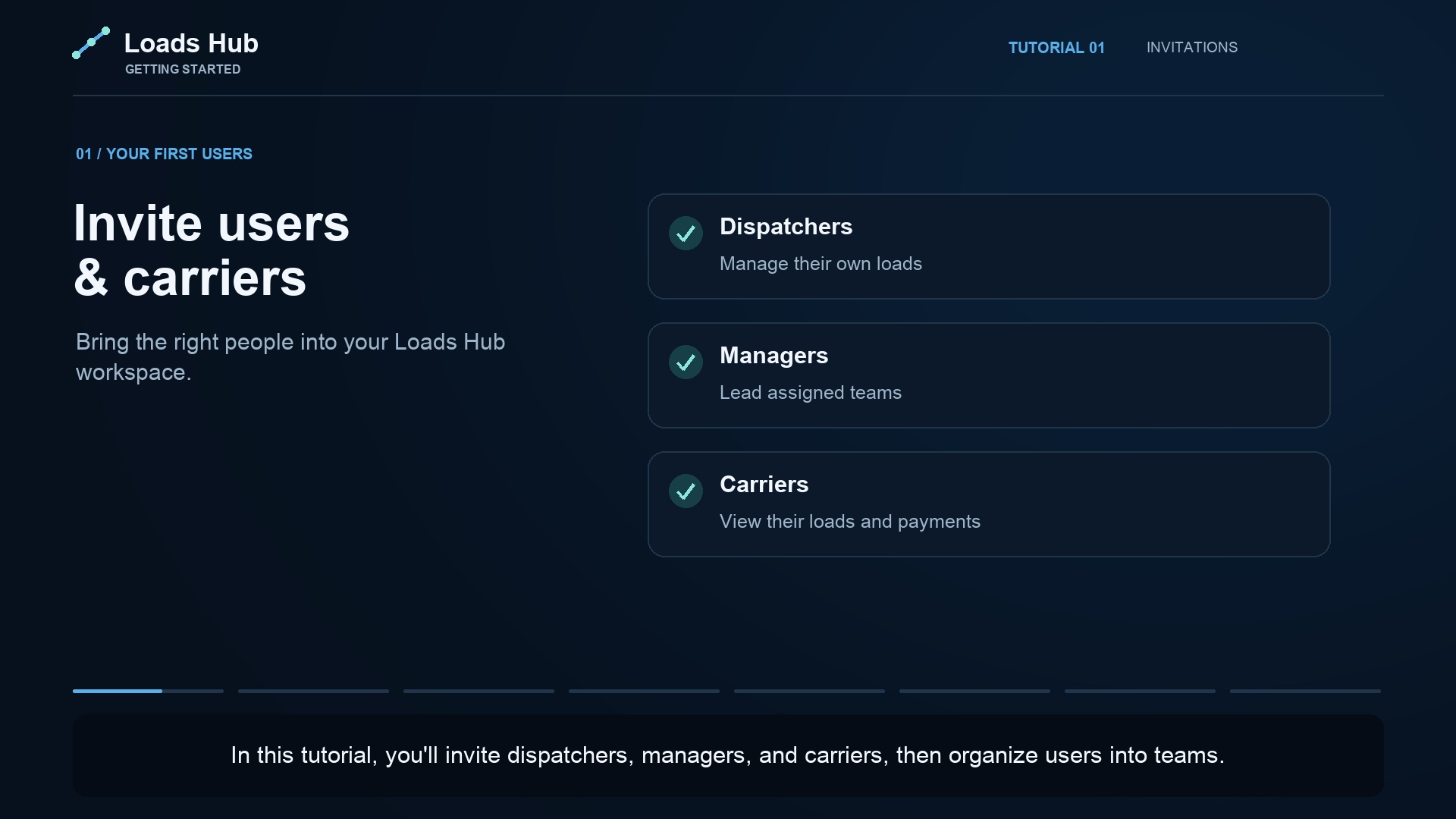
Invite users & carriers
Invite your first users, connect carrier companies, and organize your team.
Watch the tutorial →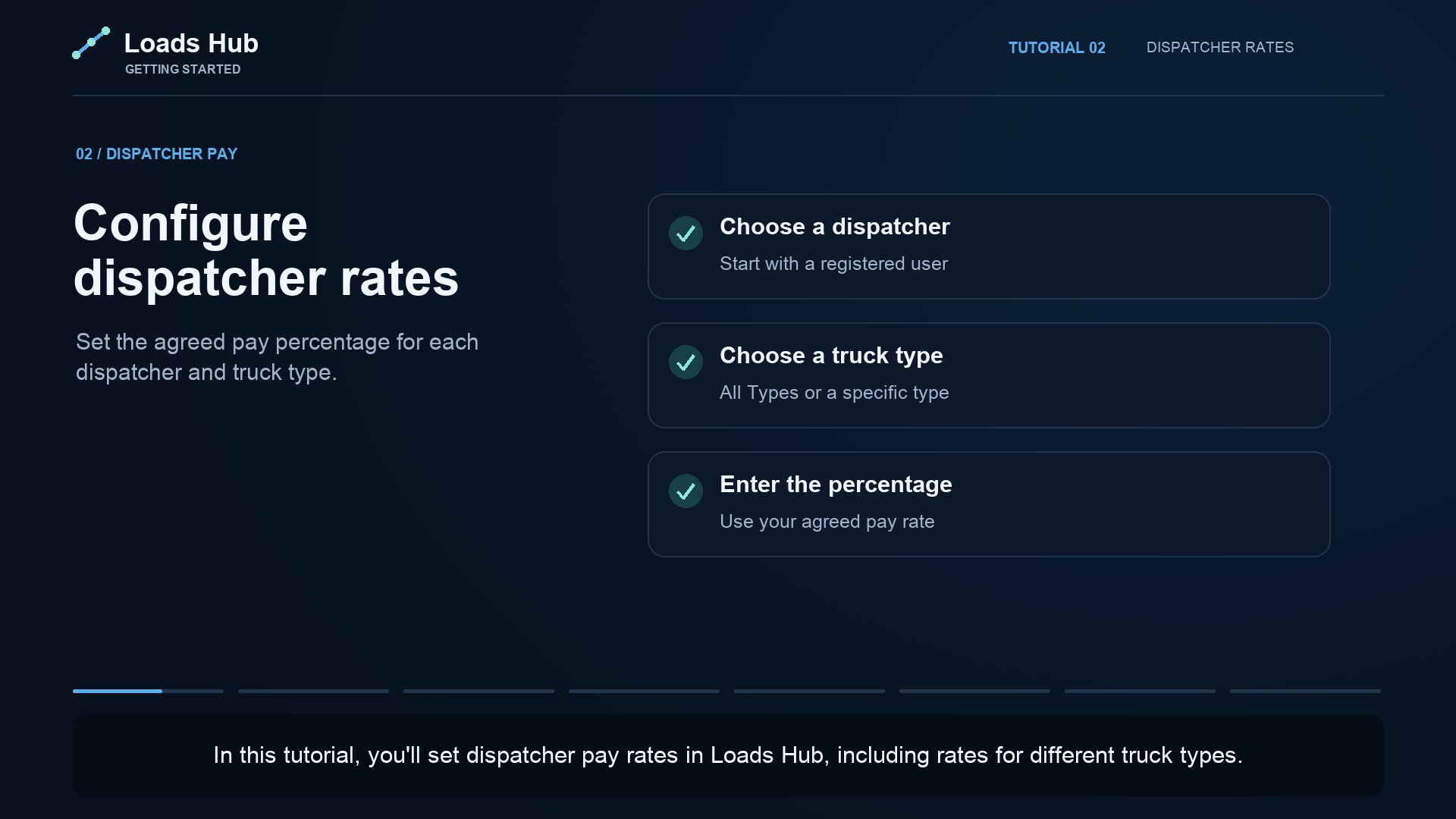
Configure dispatcher rates
Set dispatcher percentages for all truck types or a specific truck type.
Watch the tutorial →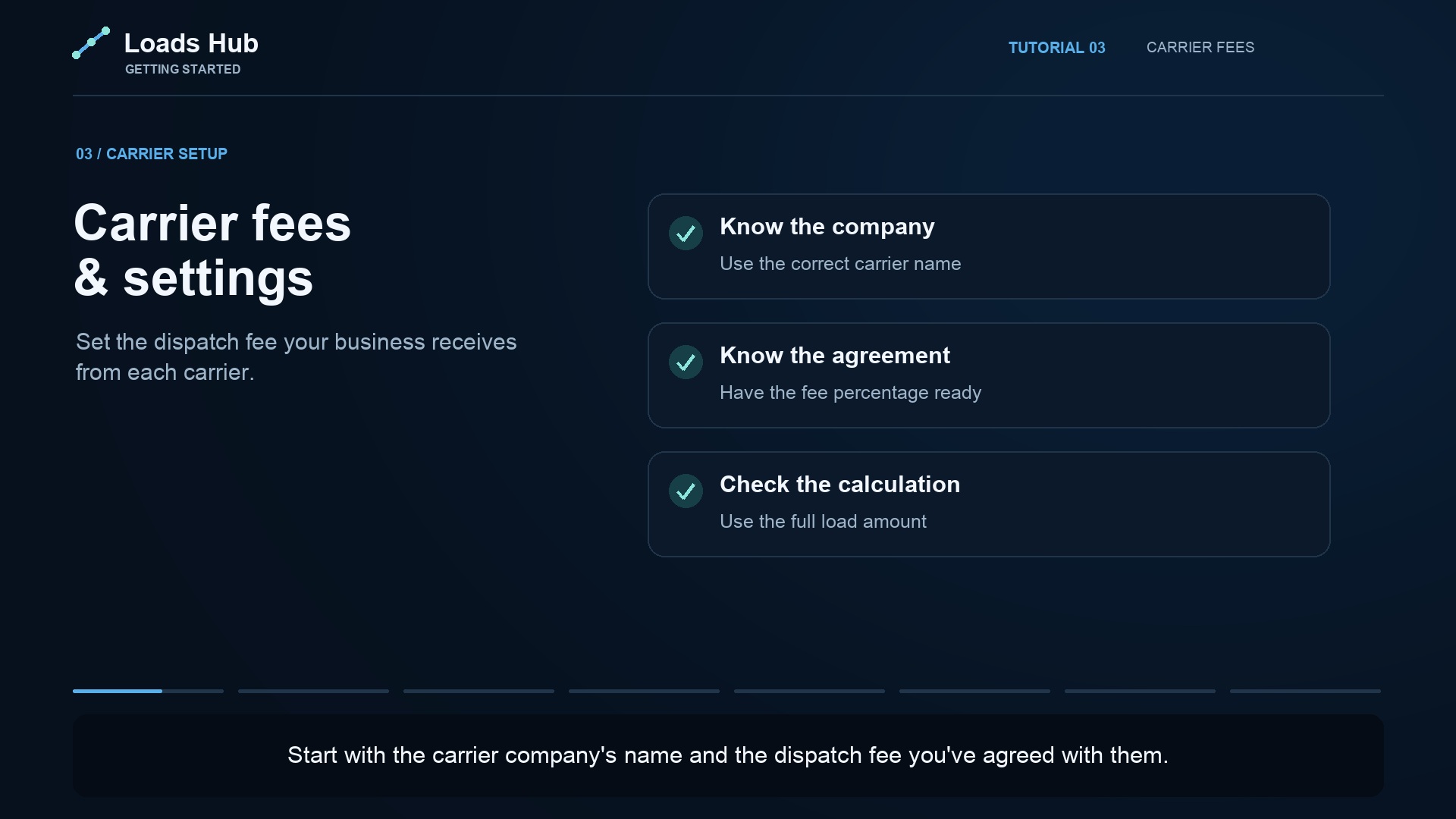
Carrier fees and settings
Review carrier details and configure dispatch fees.
Watch the tutorial →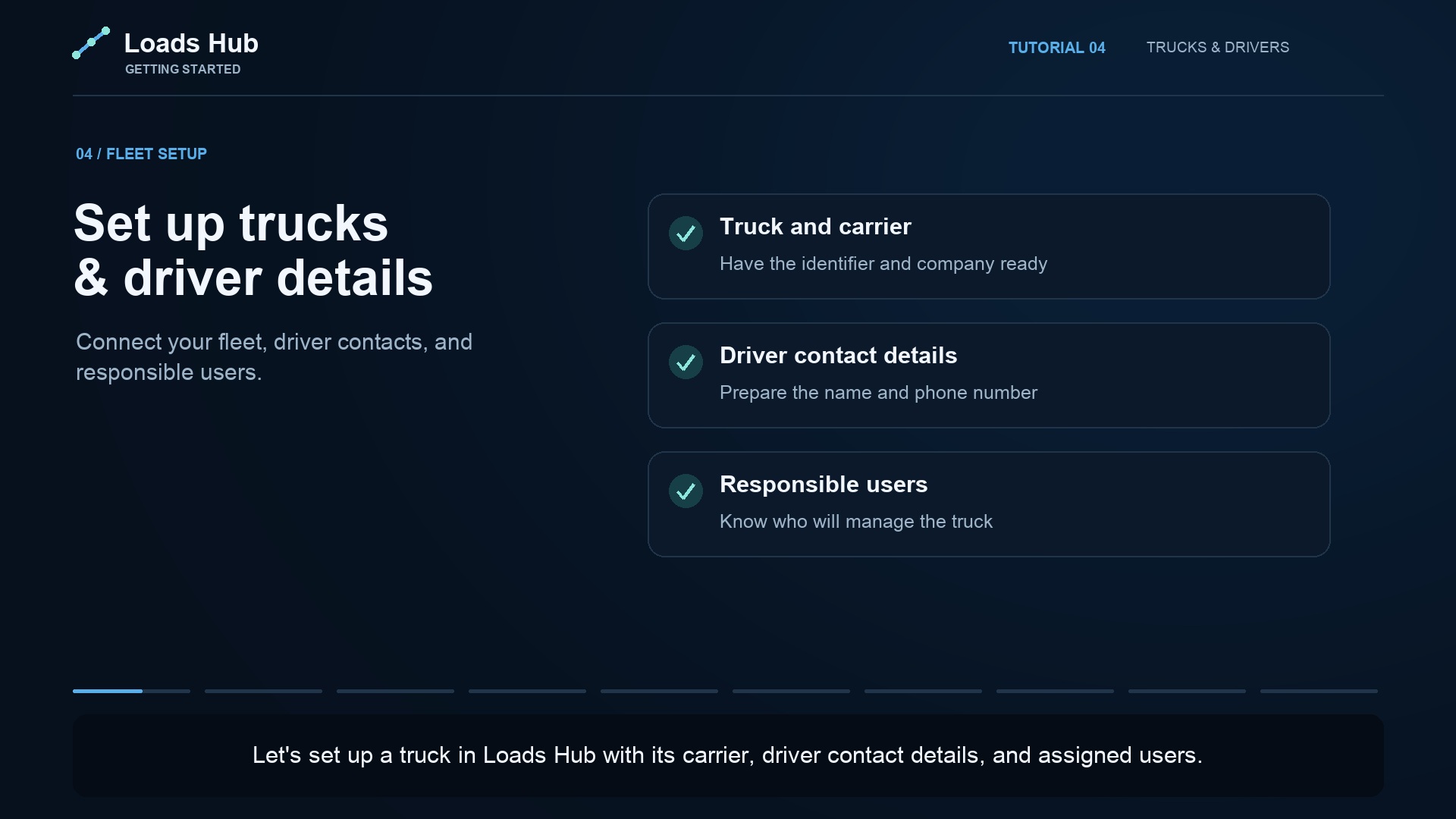
Set up trucks and driver details
Add truck details, connect a carrier, and review driver information.
Watch the tutorial →Manage daily dispatch
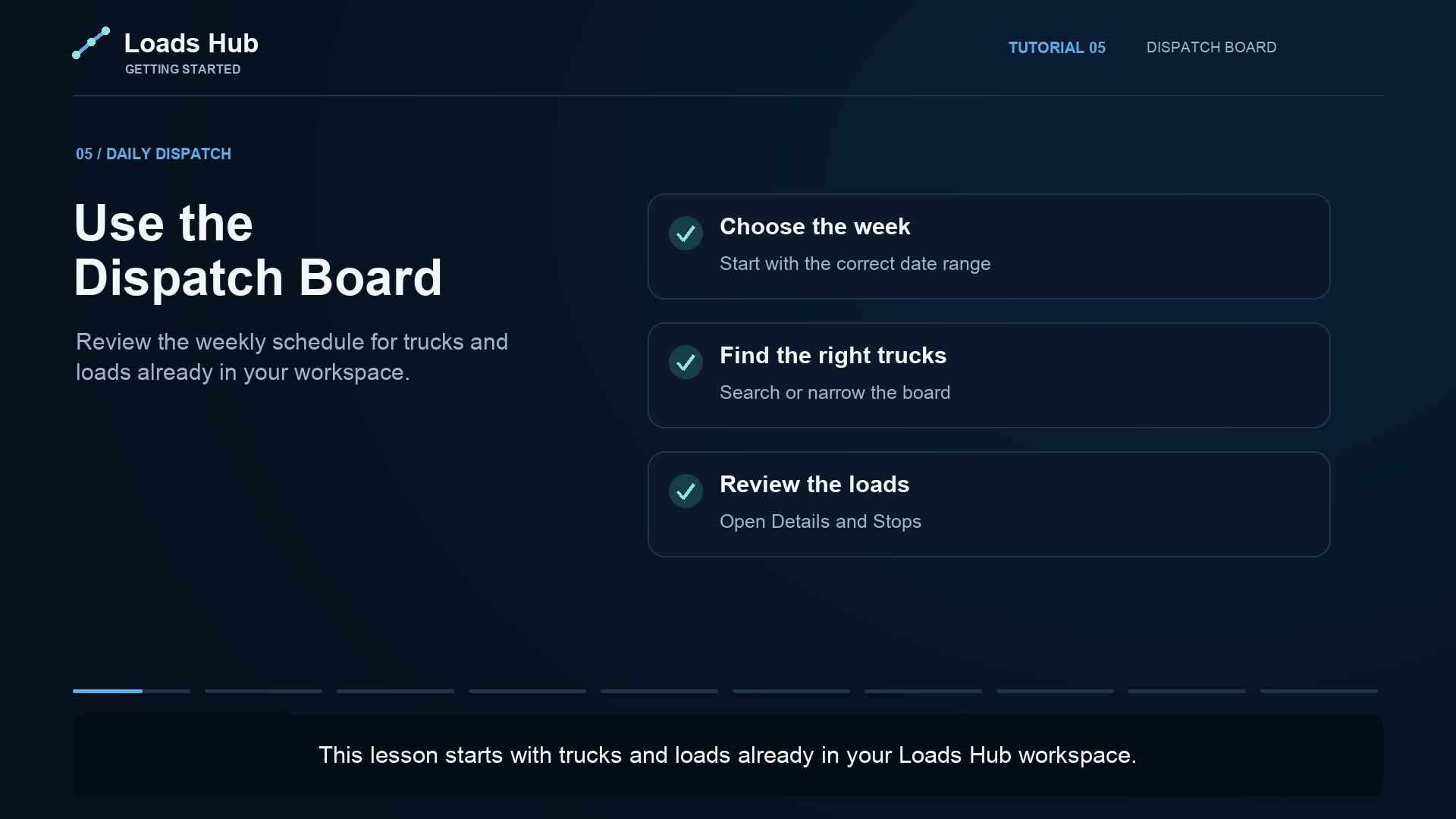
Using the Dispatch Board
Find trucks, read the weekly schedule, and navigate your dispatch board.
Watch the tutorial →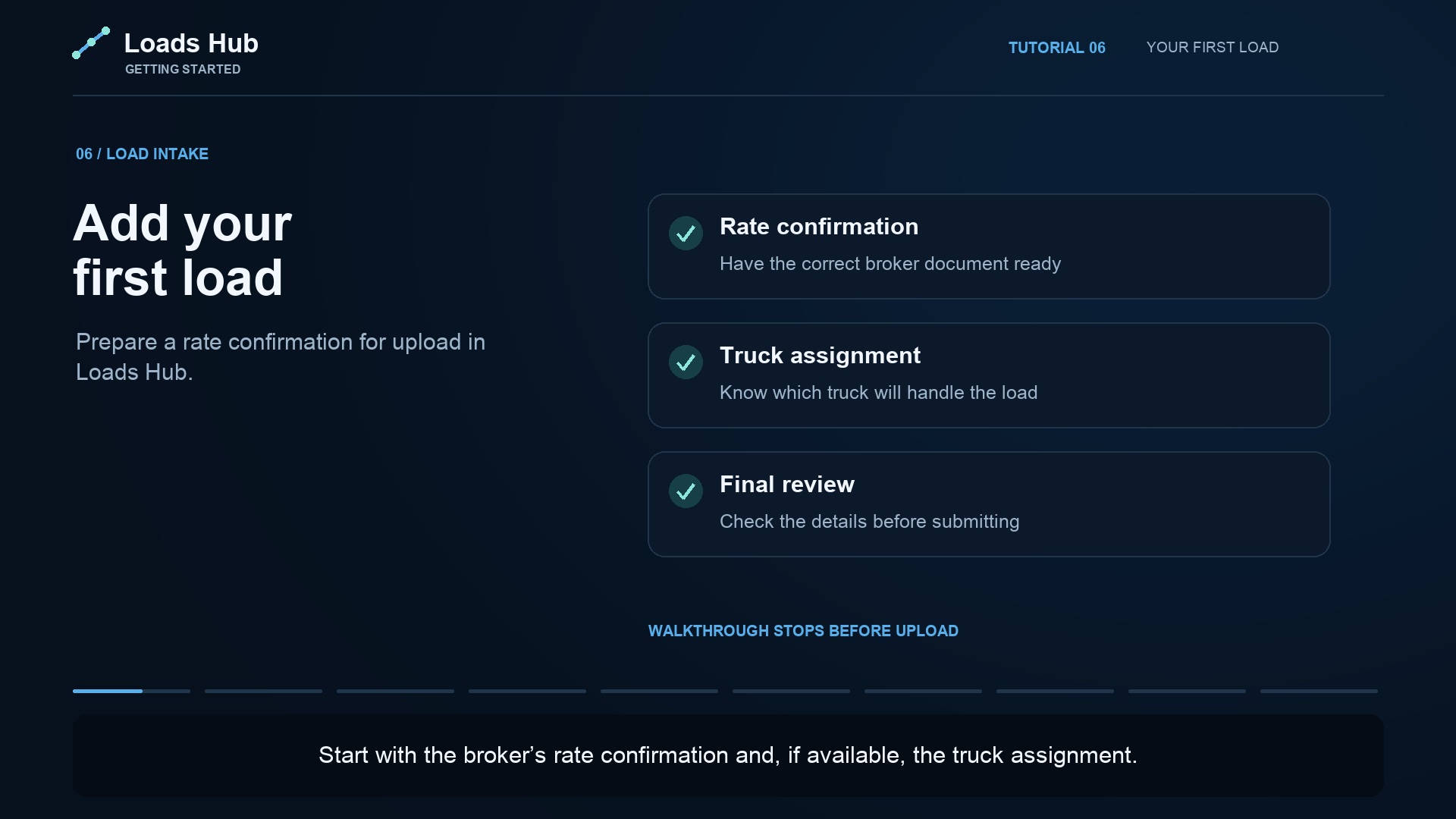
Adding your first load
Prepare a new load with its carrier, route, dates, and rate details.
Watch the tutorial →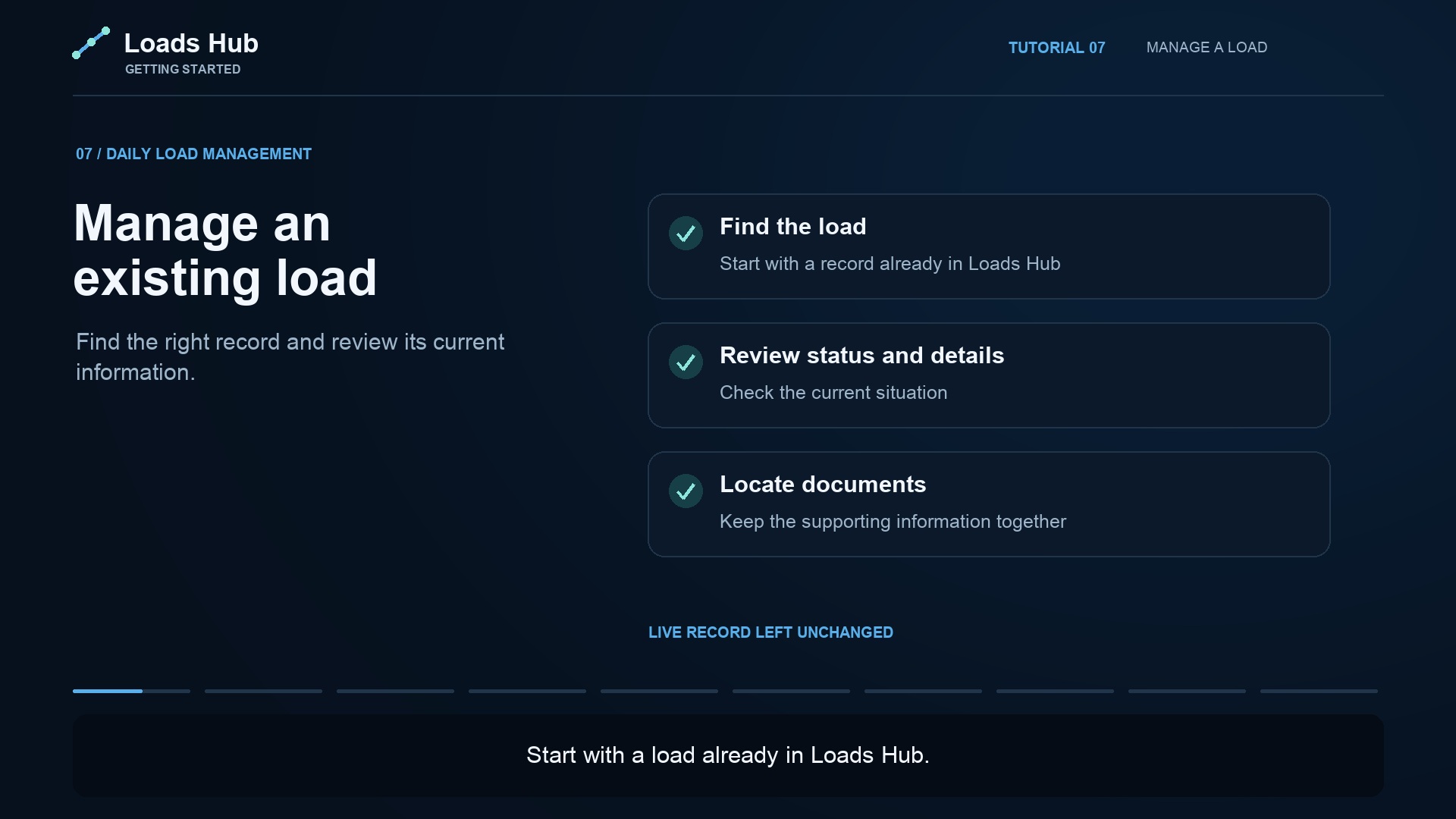
Managing an existing load
Find an existing load and review its route, assignment, status, and documents.
Watch the tutorial →Understand fees and payments
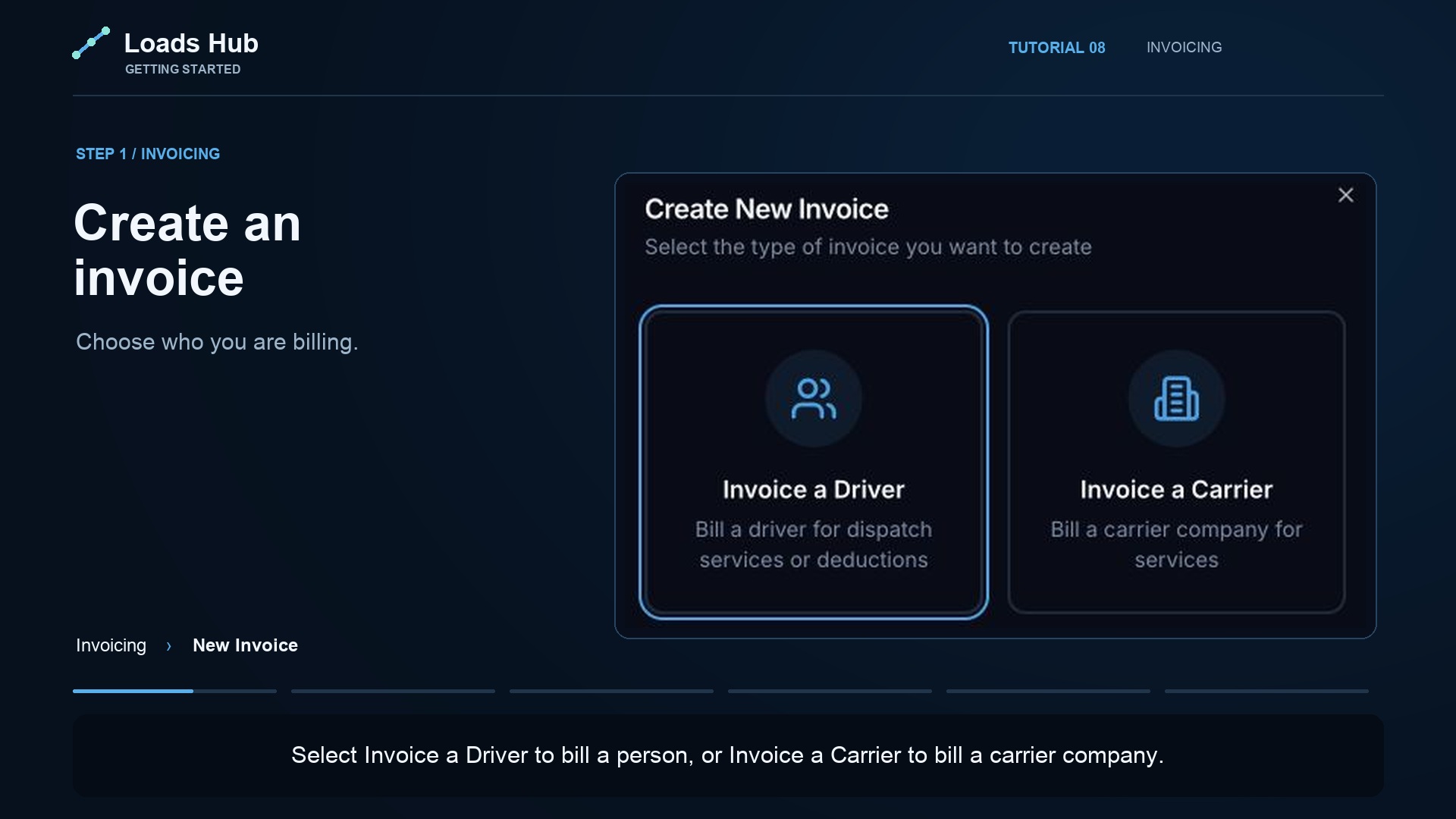
Create and manage invoices
Choose an invoice recipient, select loads, and review the total before creating.
Watch the tutorial →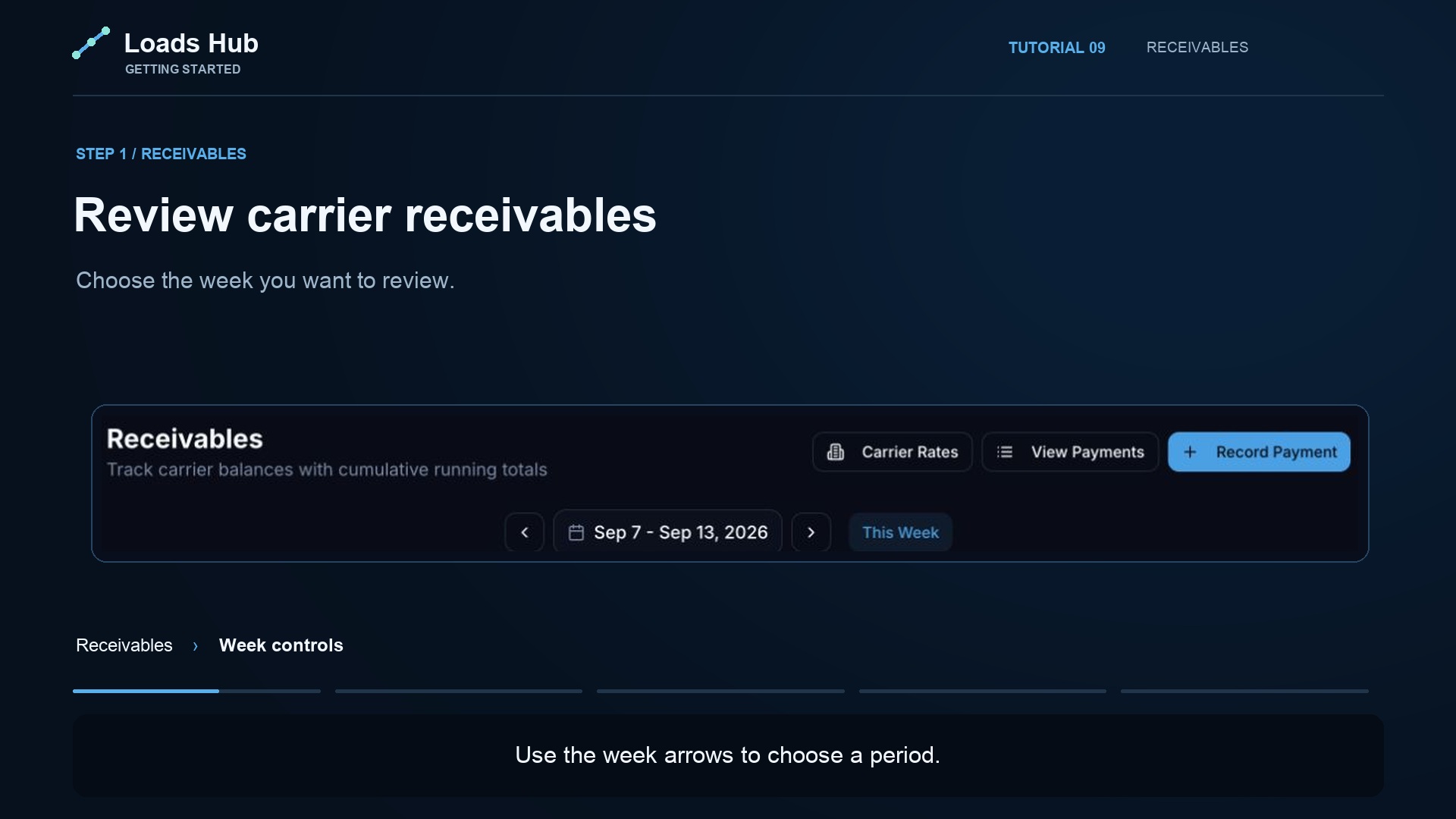
Track carrier receivables
Review outstanding carrier balances and the payment history.
Watch the tutorial →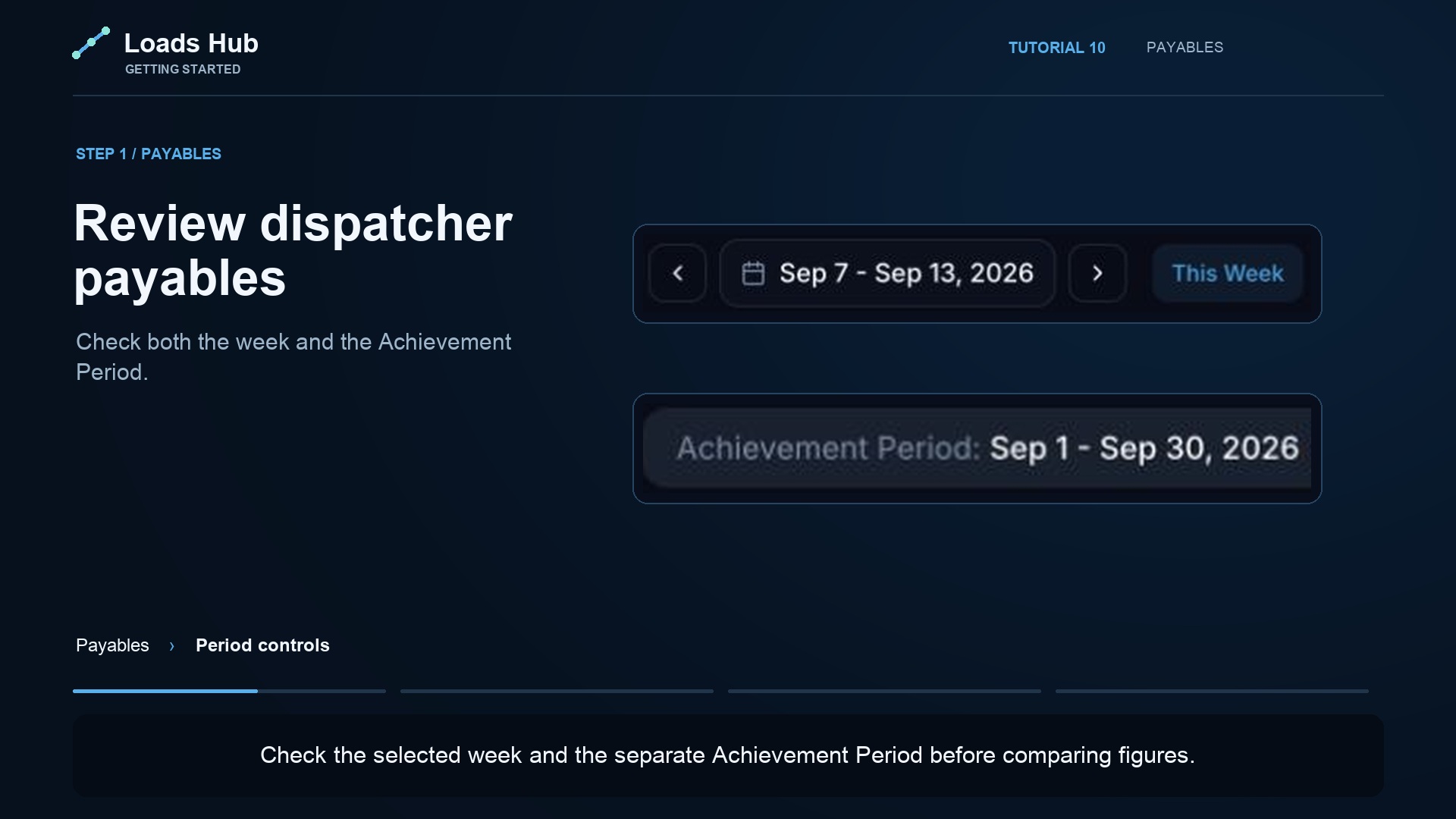
Review dispatcher payables
Check dispatcher earnings for a period and review payment records.
Watch the tutorial →Review performance and your team
Put it to work in your office.
Try LoadsHub with your dispatch team. 14 days, no credit card required to start.