Start with the fee you agreed.
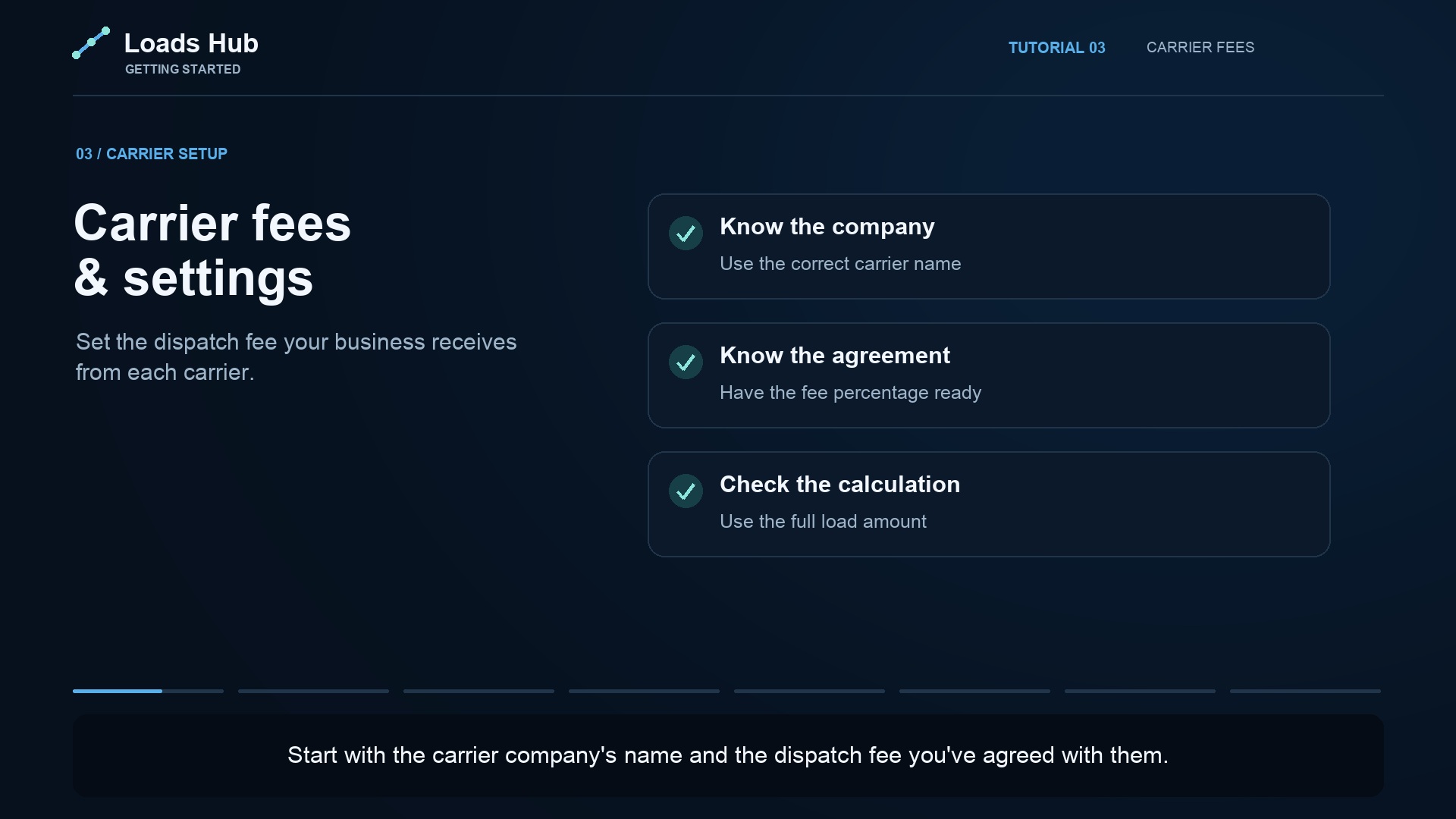
Configure the carrier's dispatch fee in Carrier Rates. Check the company name and agreed percentage, including any carriers still using a default rate. Dispatcher compensation is configured separately in Payables.
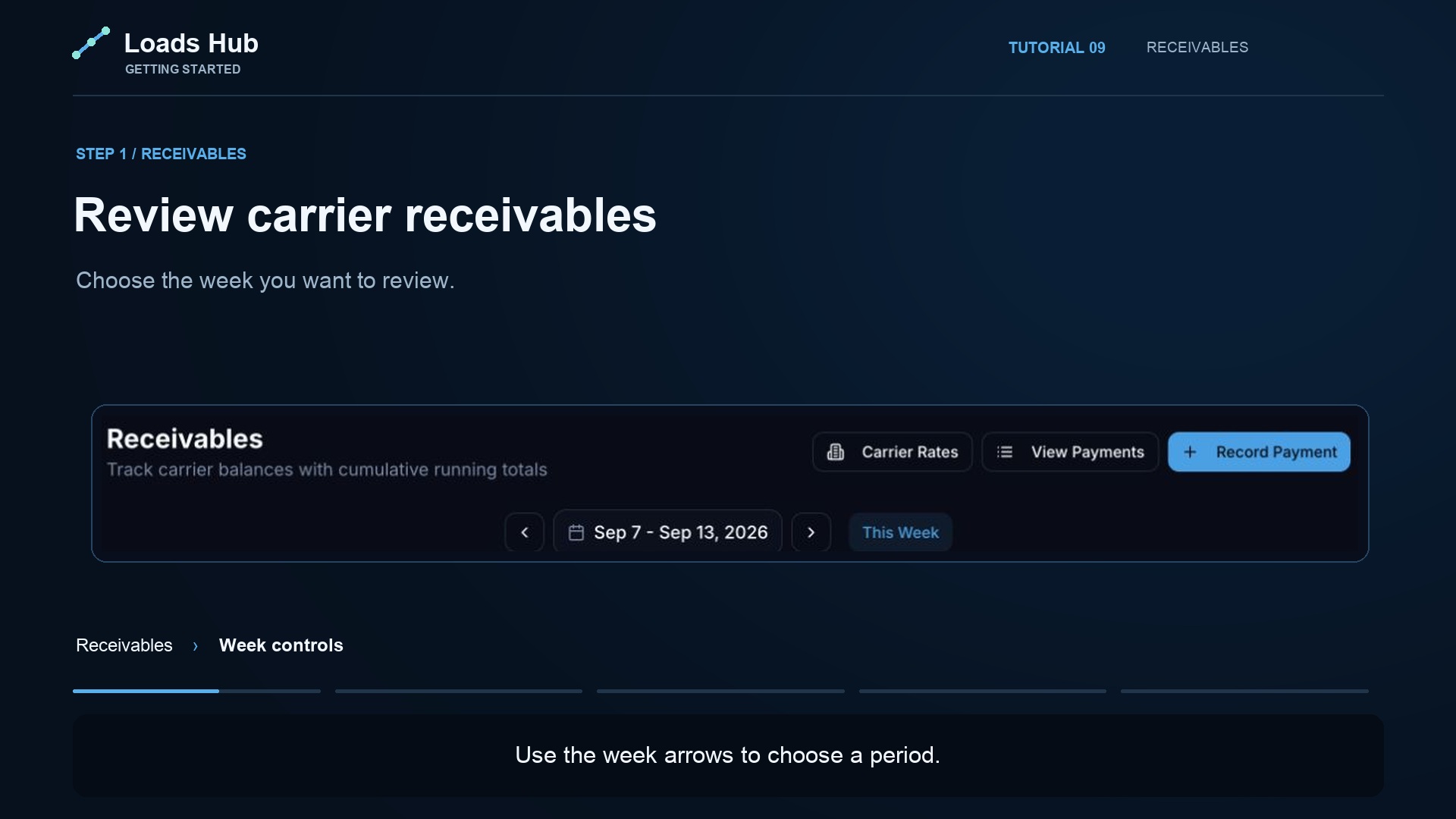
In Receivables, review the reporting week, the relevant carrier, dispatch fees, and outstanding balances. Use the same period when comparing the totals with invoices and payment records.
One load, four different amounts.
| What the amount means | Example |
|---|---|
| Carrier freight revenue | $2,450.00 |
| Office dispatch fee at 10% | $245.00 |
| Dispatcher commission at 3% | $73.50 |
| Office earnings before overhead | $171.50 |
The $245 fee is your office revenue in this illustration. The $73.50 commission is calculated from the $2,450 freight value and paid out of the fee. The remaining $171.50 is before overhead and other costs; it is not net profit. Your agreements and configured rates may differ.
Give a payment a record you can check.
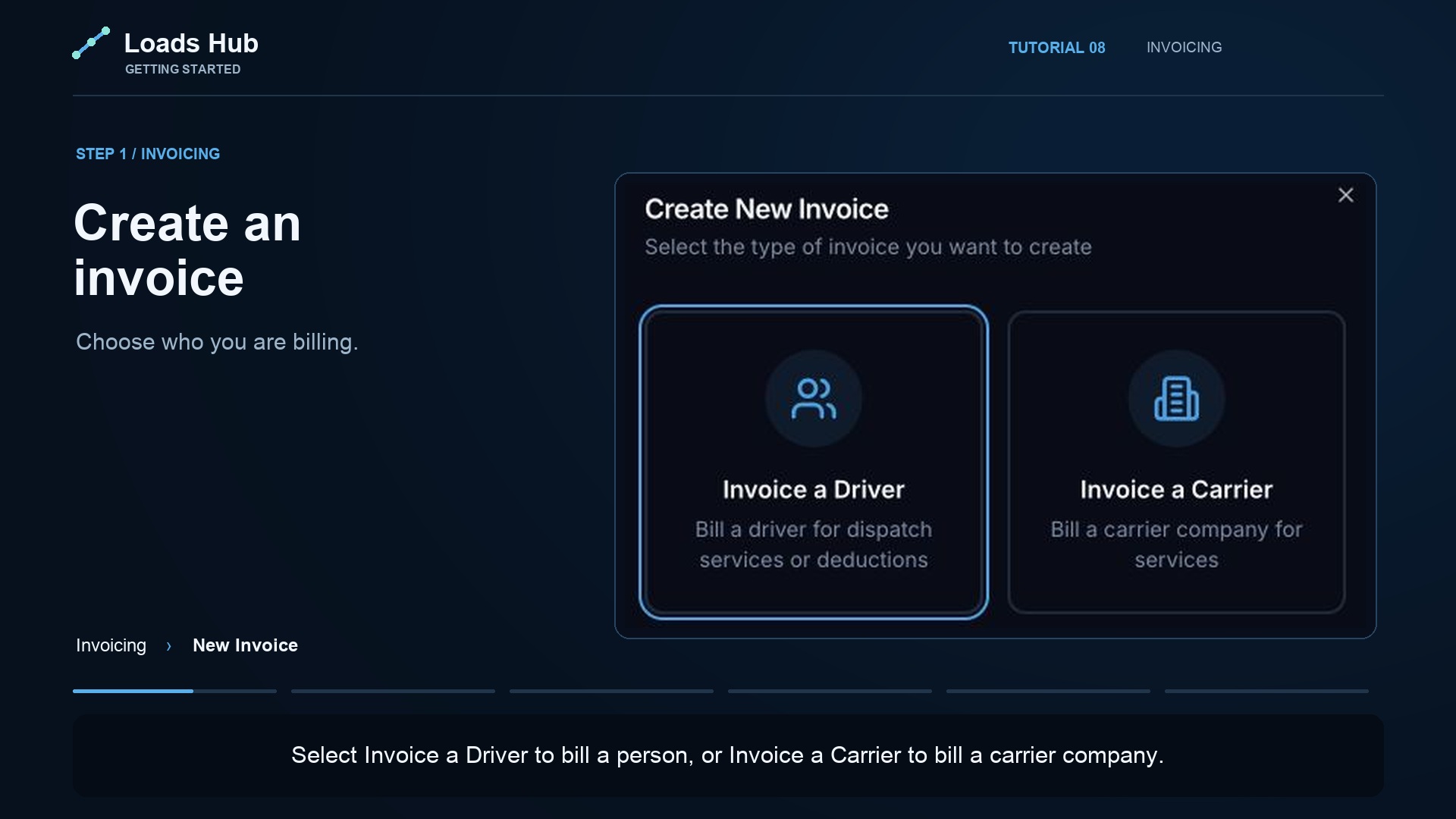
After a carrier pays, record the amount, date, payment method, reference, and any useful notes. Review payment history before recording the same transaction again. Recording a payment in LoadsHub documents a payment; it does not initiate a bank transfer.
Reduce back-and-forth about balances.
Connect the carrier's user account to the correct company so they can review information available to their role. Use the account setup guide to understand the link between the office, its dispatchers, and the carrier company.
A shared record is useful when the people using it agree on the carrier, reporting period, rate, and payment reference. LoadsHub keeps that work together so a manager can investigate a question without piecing together several chats.