Spend less time retyping the same load.
A rate confirmation is the starting point for several jobs: planning the truck, sharing pickup and delivery information, preparing documents, and reviewing the money. LoadsHub reads the document so your team can start with extracted details instead of copying each field manually.
The public demo shows the load number, freight rate, broker, carrier, pickup and delivery dates, and origin and destination. AI extraction can miss or misread information, so compare the result with the original document.
Try it before setting up an office.
- Open the homepage demo and explore the sample, or choose your own rate confirmation.
- For a live upload, complete browser verification. The demo accepts a PDF, JPG, or PNG up to 5 MB; PDFs can contain up to 10 pages.
- Review the extracted load details and open the original document beside them.
- Use the example to understand how the load fits the wider office workflow.
The sample does not process a file. A live upload is sent to our AI providers for a temporary preview; LoadsHub does not save it or add it to an account. Public demo limits apply.
Keep review in the workflow.
Extraction is a starting point for your dispatcher, not approval of the broker's terms. Check dates, appointment details, rate, carrier assignment, and any missing fields before proceeding with an actual load.
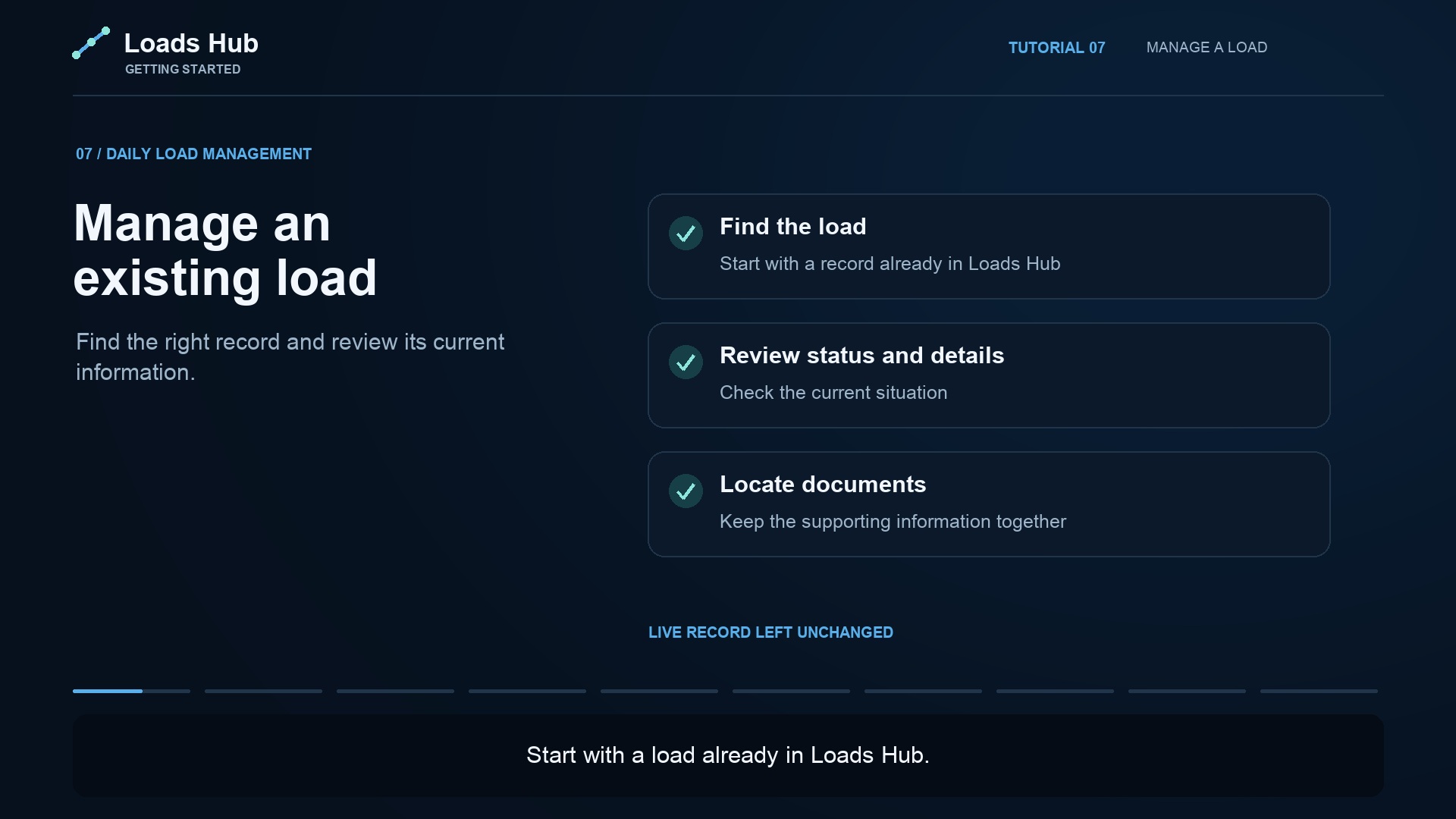
Once your office is working in LoadsHub, keep rate confirmations, BOLs, PODs, and receipts with the loads they belong to. That gives dispatch and accounting a shared starting point when they need supporting paperwork.
See the next step.
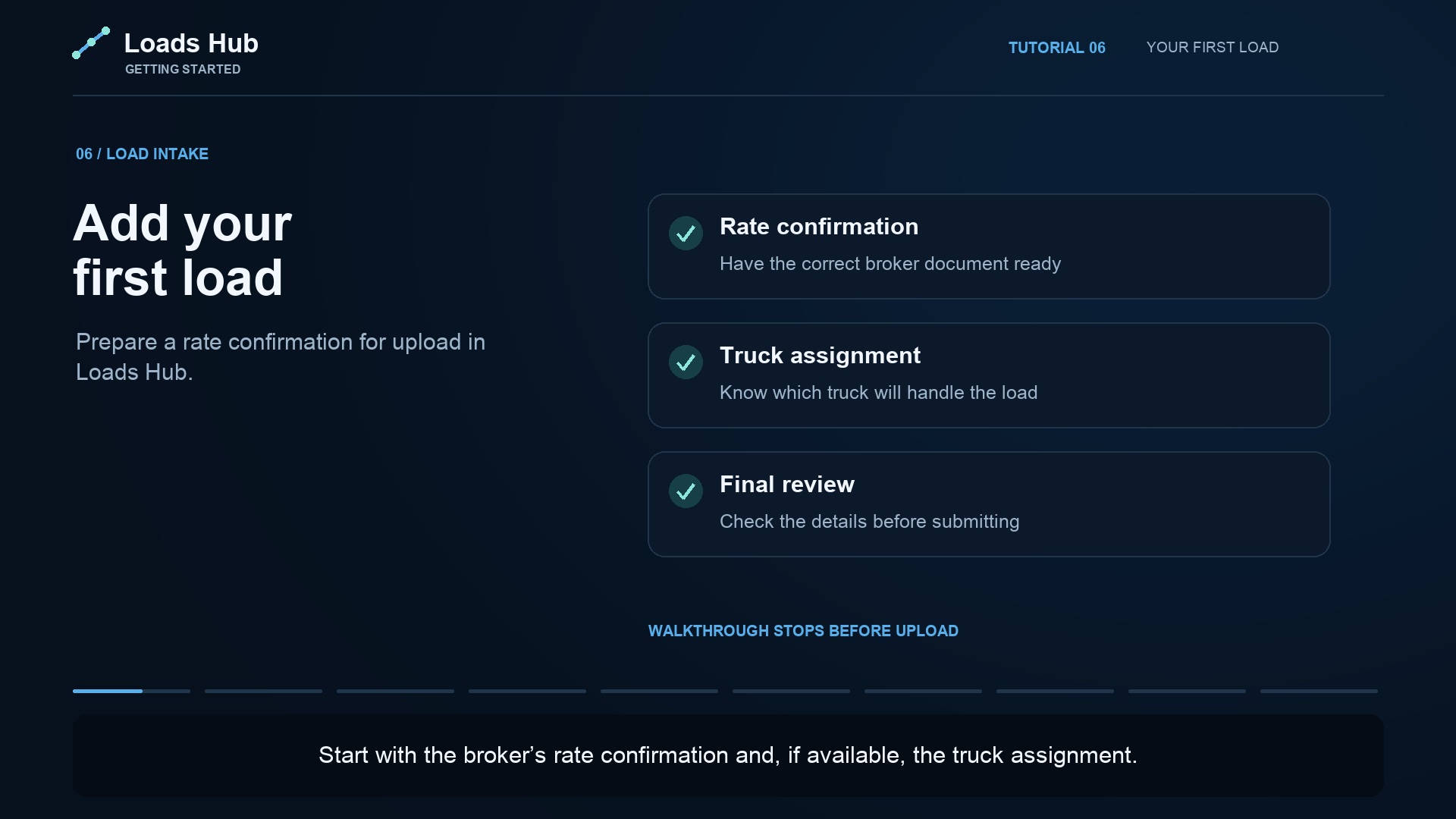
The Adding Your First Load tutorial walks through preparing a rate confirmation and checking the upload form. Review the plan comparison for included features.