Keep the week visible as your office grows.
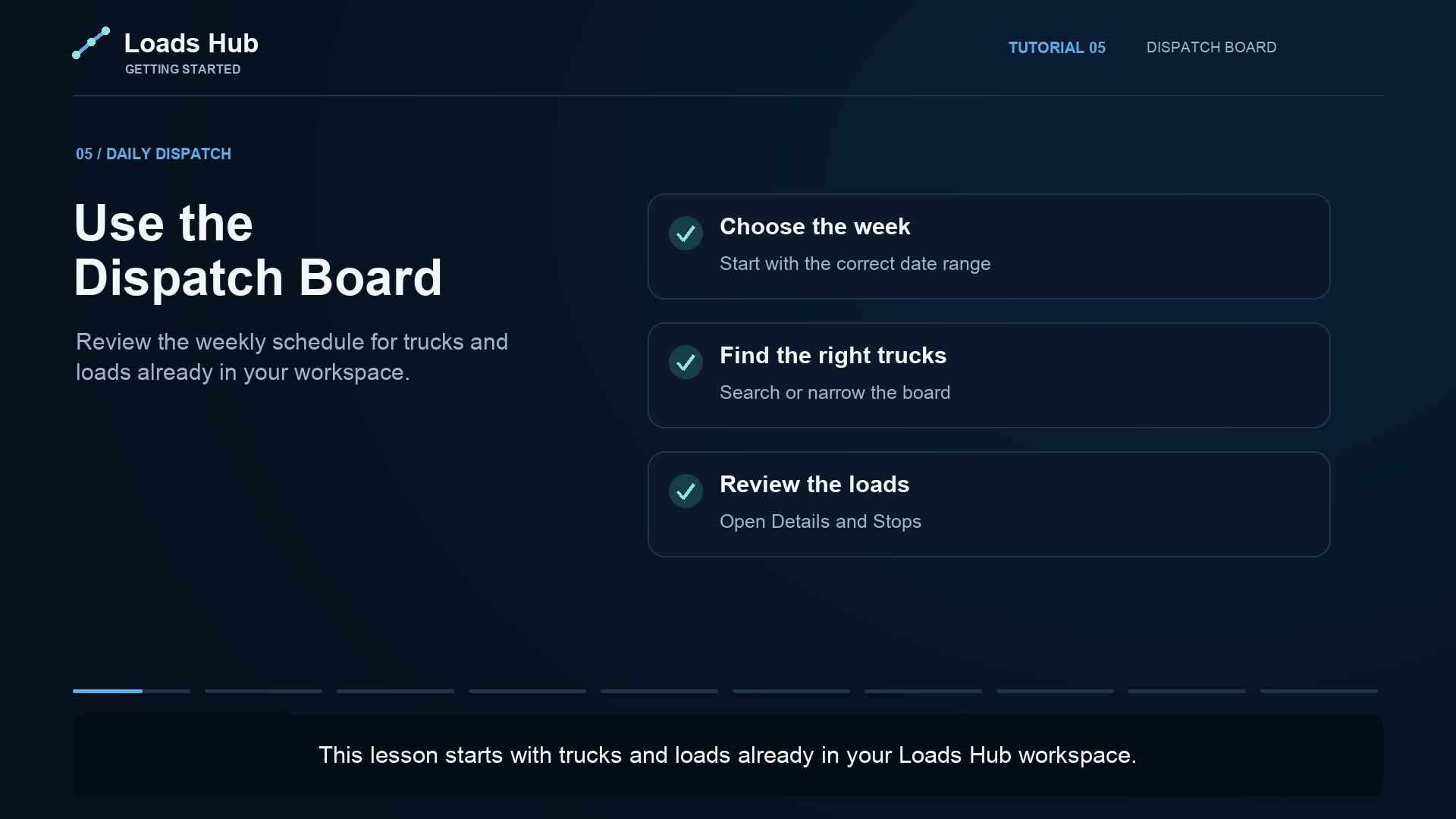
When every dispatcher keeps a separate spreadsheet, a manager has to collect updates before understanding the week. The LoadsHub Dispatch Board gives your office a shared place to review truck schedules and open the loads behind them.
Choose the week you want to review. Search for a truck or driver, then use the available filters to focus on the work you need. Open a load card to inspect its pickup, delivery, and supporting details.
Organize the carrier relationship first.
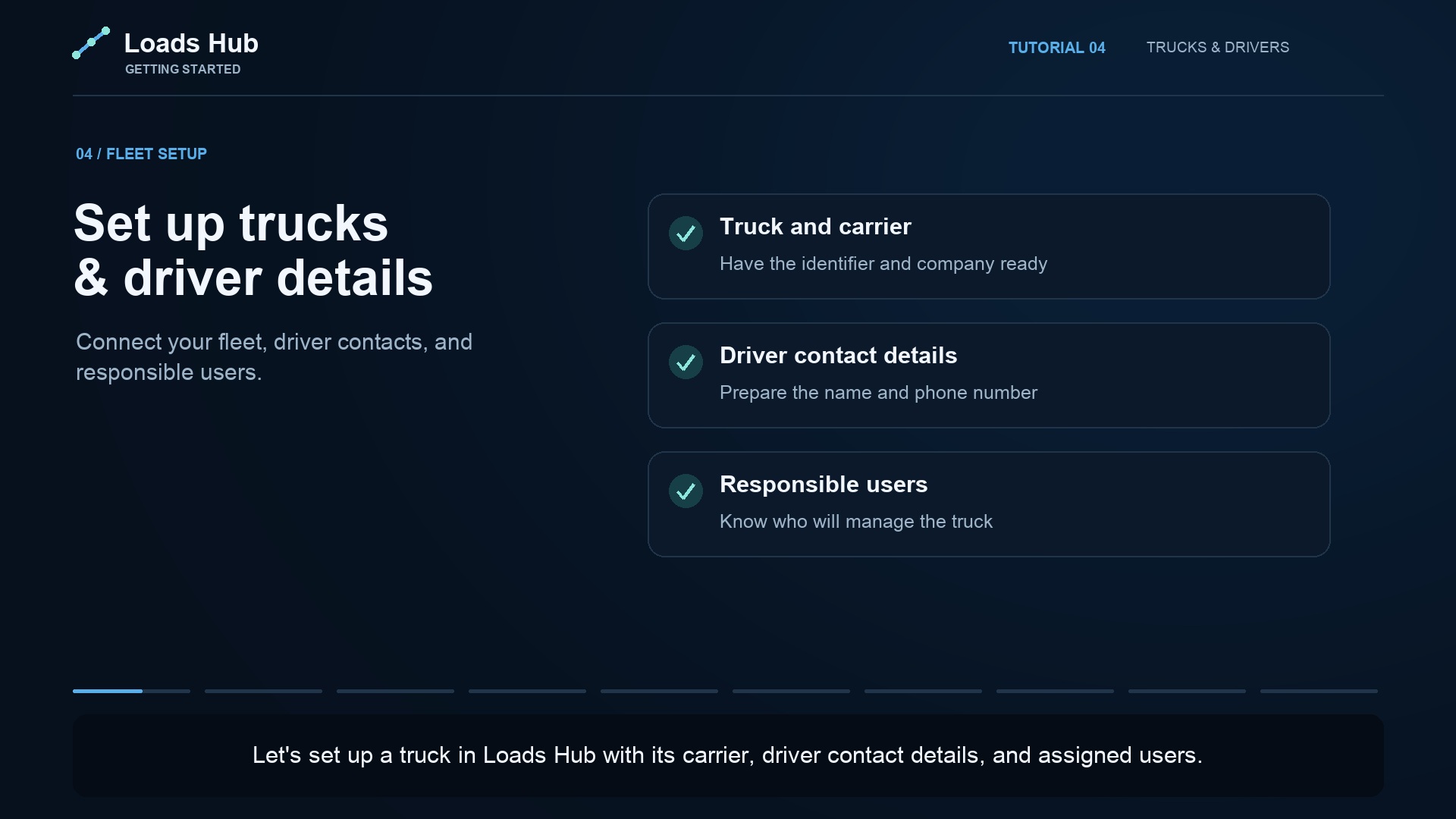
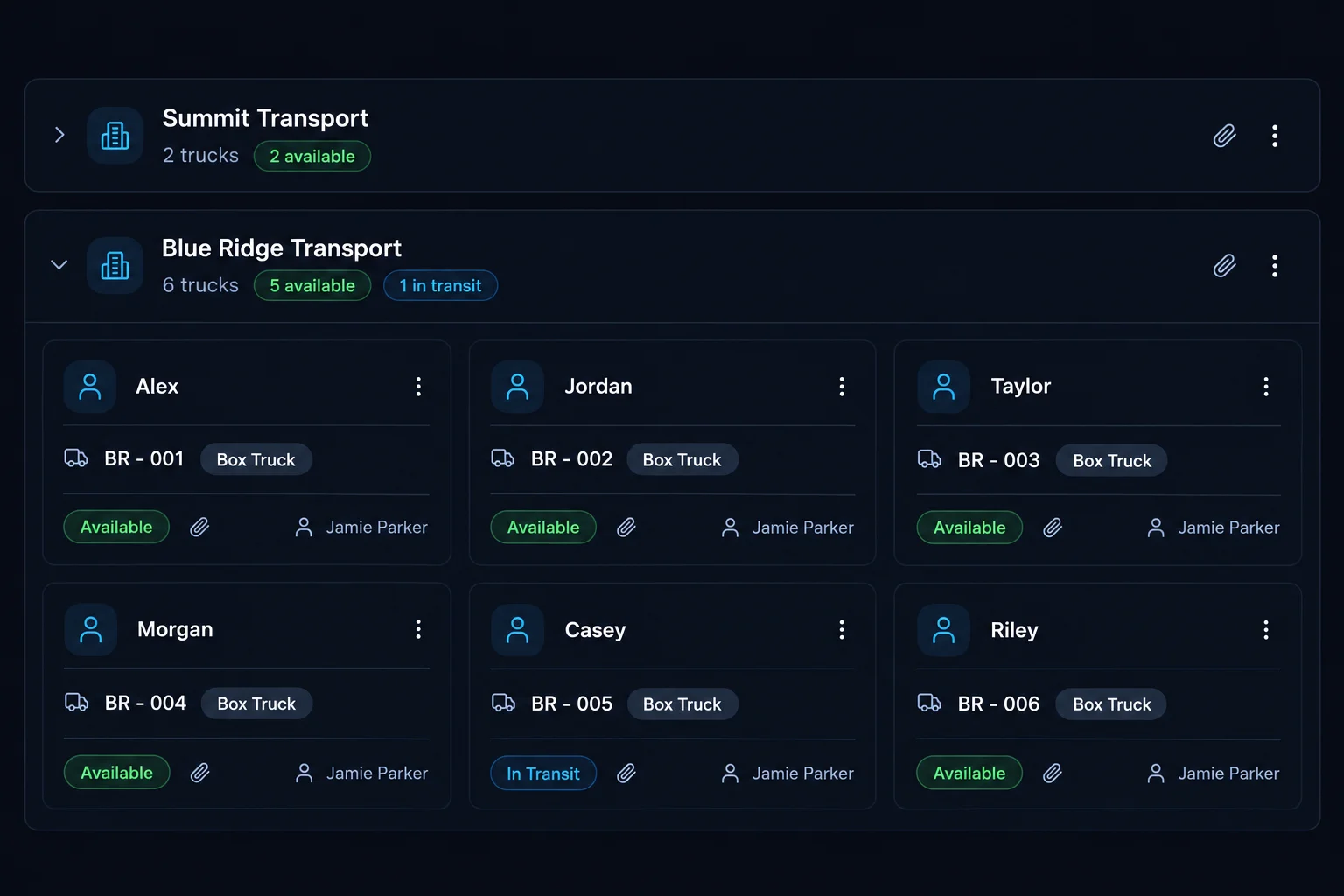
Your office can work with multiple carrier companies. Group trucks under the right carrier, keep driver contact details with each truck, and assign the users responsible for the work. A driver's name and phone number are contact details; assigning an app user is a separate step.
- Add your carrier clients and their trucks.
- Assign the responsible dispatchers or team members.
- Add loads and review the weekly schedule.
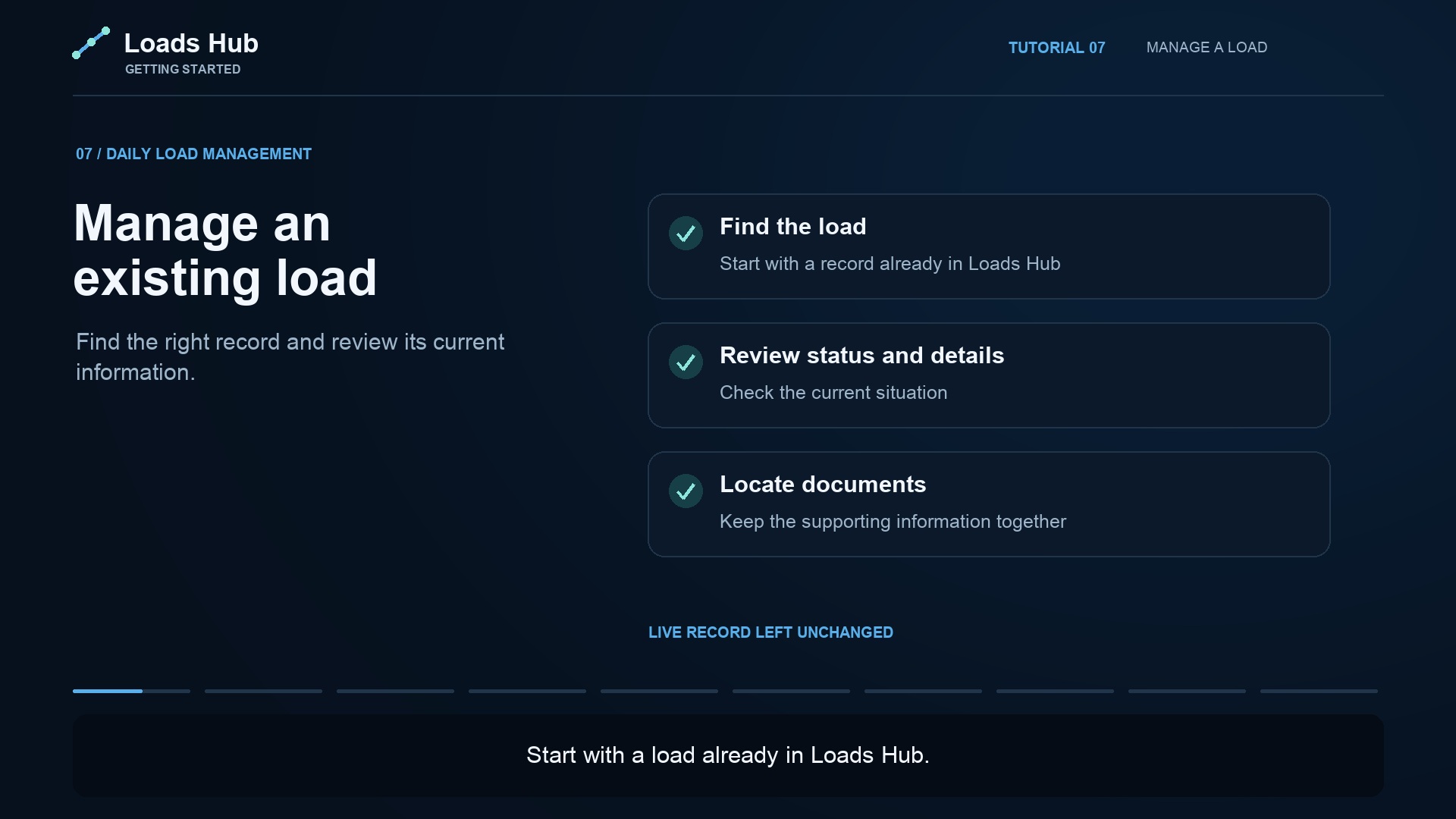
- Open a load when a manager or teammate needs the details.
Make handoffs easier to check.
At the start of a shift, review the selected week and active filters together. A board filter changes what you see; it does not change a load assignment. Keeping that distinction clear helps your team avoid mistaking a filtered view for missing work.
Have a different board workflow?
We offer free dispatch board customization. Show us how your office reviews its work and what you need to see. We will agree the board changes with you before implementation.