How the accounts connect.
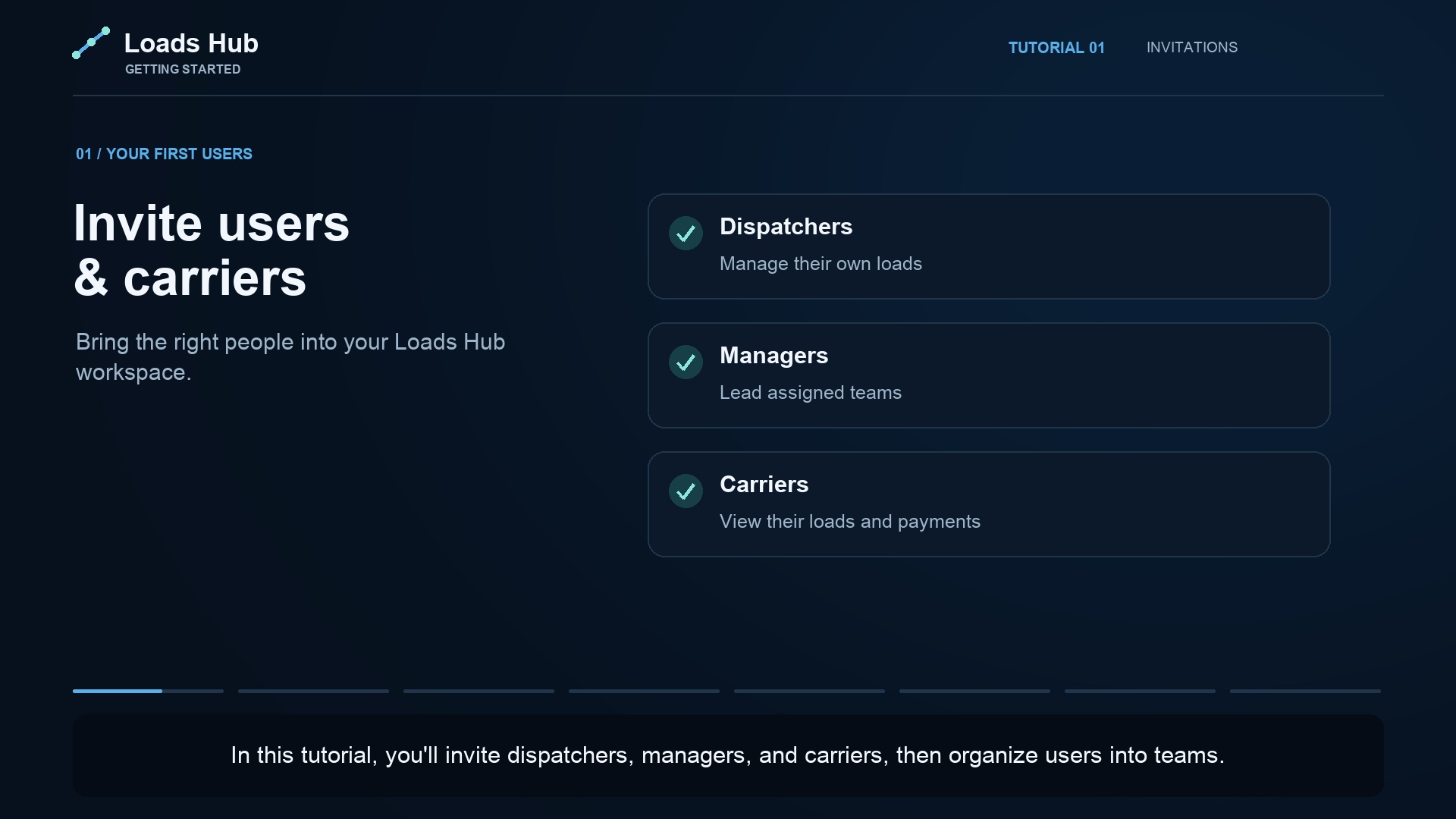
The dispatch company organizes its users, carrier companies, trucks, and loads. A carrier invitation links the person to an existing carrier company or a newly created one. A dispatcher account is assigned the dispatcher role and, where appropriate, a manager's team.
Those links matter. A carrier company name identifies the client relationship. A truck's driver name and phone are contact details. Neither replaces inviting an app user and configuring their access.
A clear starting point for each participant.
- Owners and managers: review the operation and teams within their access, including assignments and the records needed to follow up.
- Dispatchers: work with assigned operations and review the earnings information available to their role.
- Carrier users: review their linked company's information, including its loads and recorded payment information available in the carrier area.
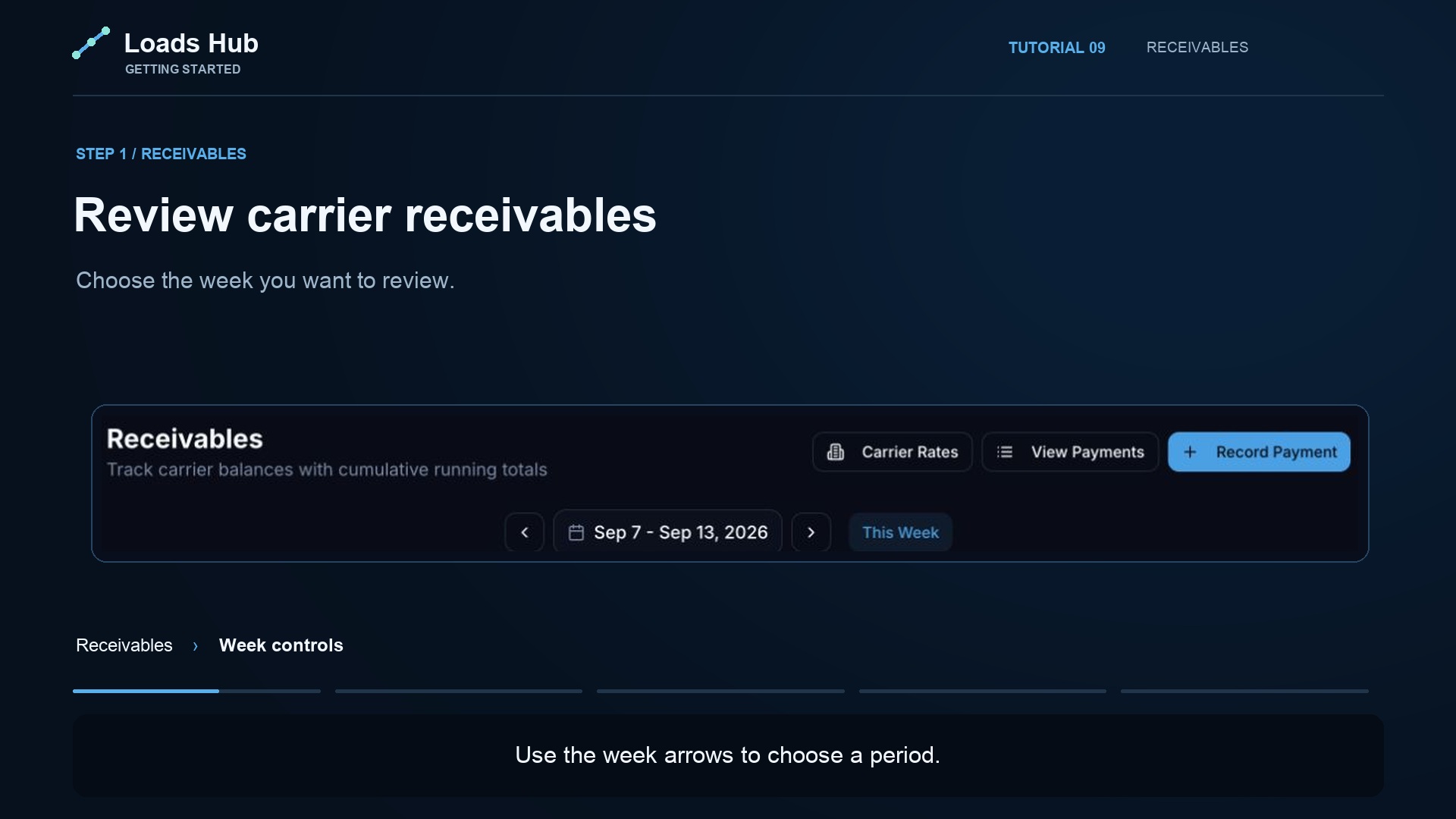
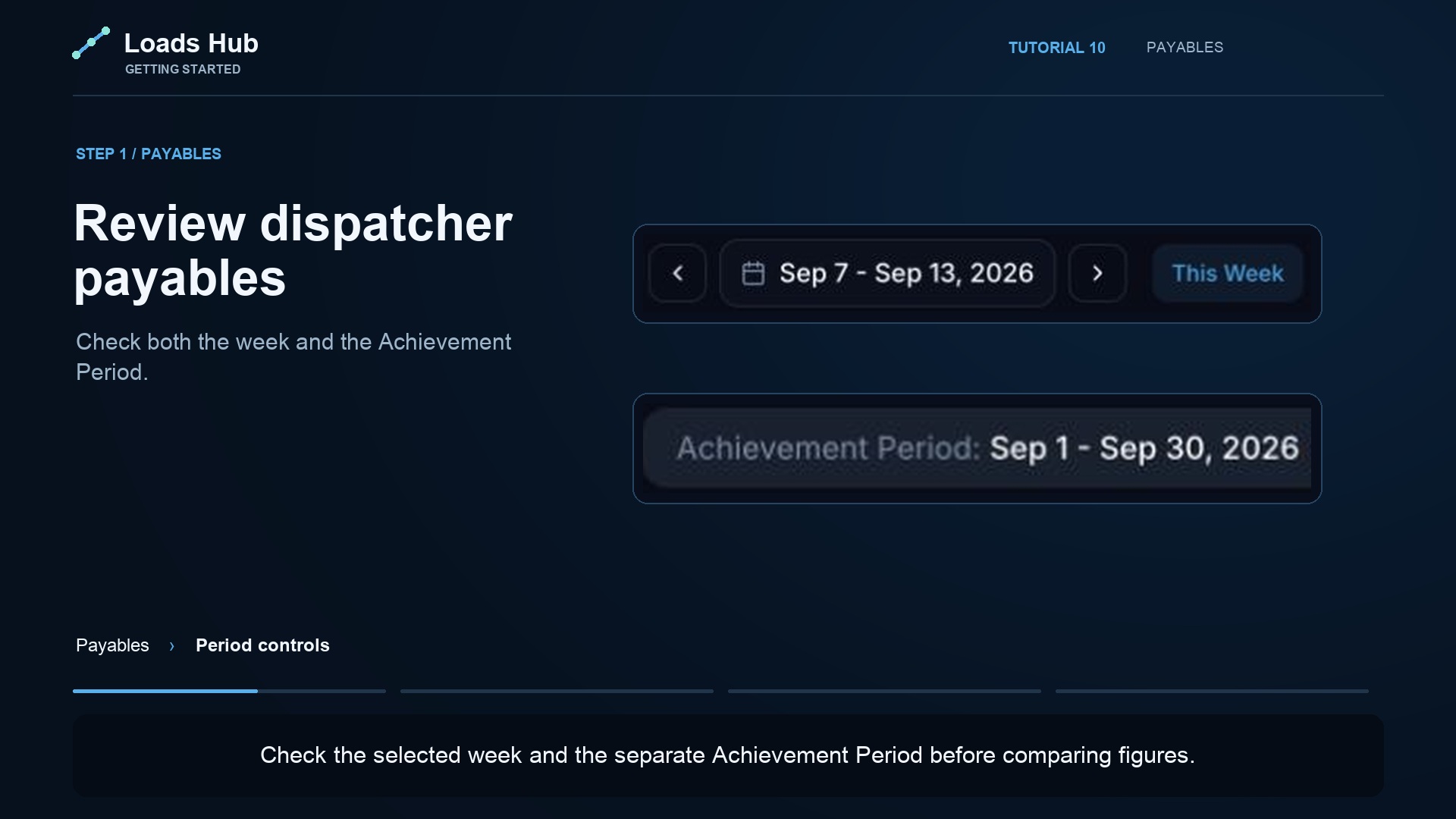
- Office accounting: follow carrier receivables and dispatcher payables as separate records.
Access depends on the configured role, company link, and assignments. An account does not give every person access to every carrier, dispatcher, or office figure.
Less confusion about who owes whom.
A carrier dispatch fee is money due to the dispatch office under the carrier agreement. A dispatcher commission is compensation due to the dispatcher under the pay rule. Record receipts from the carrier and payments to the dispatcher separately, with dates and transaction references.
For a disagreement, check the account's company or dispatcher link, the reporting period, underlying loads, configured rate, and recorded payments. This gives your team a repeatable way to investigate a balance instead of relying on competing messages or spreadsheet copies.
Set up the link carefully.
- Invite the person using the email they will use to sign in.
- Select the correct role.
- For a carrier, select the correct carrier company.
- Review the team and truck assignments.
- Ask the person to sign in and check the information they can see.
Review access whenever responsibilities change. See the invitation tutorial before adding your team.