1. Create the office and invite the right people.
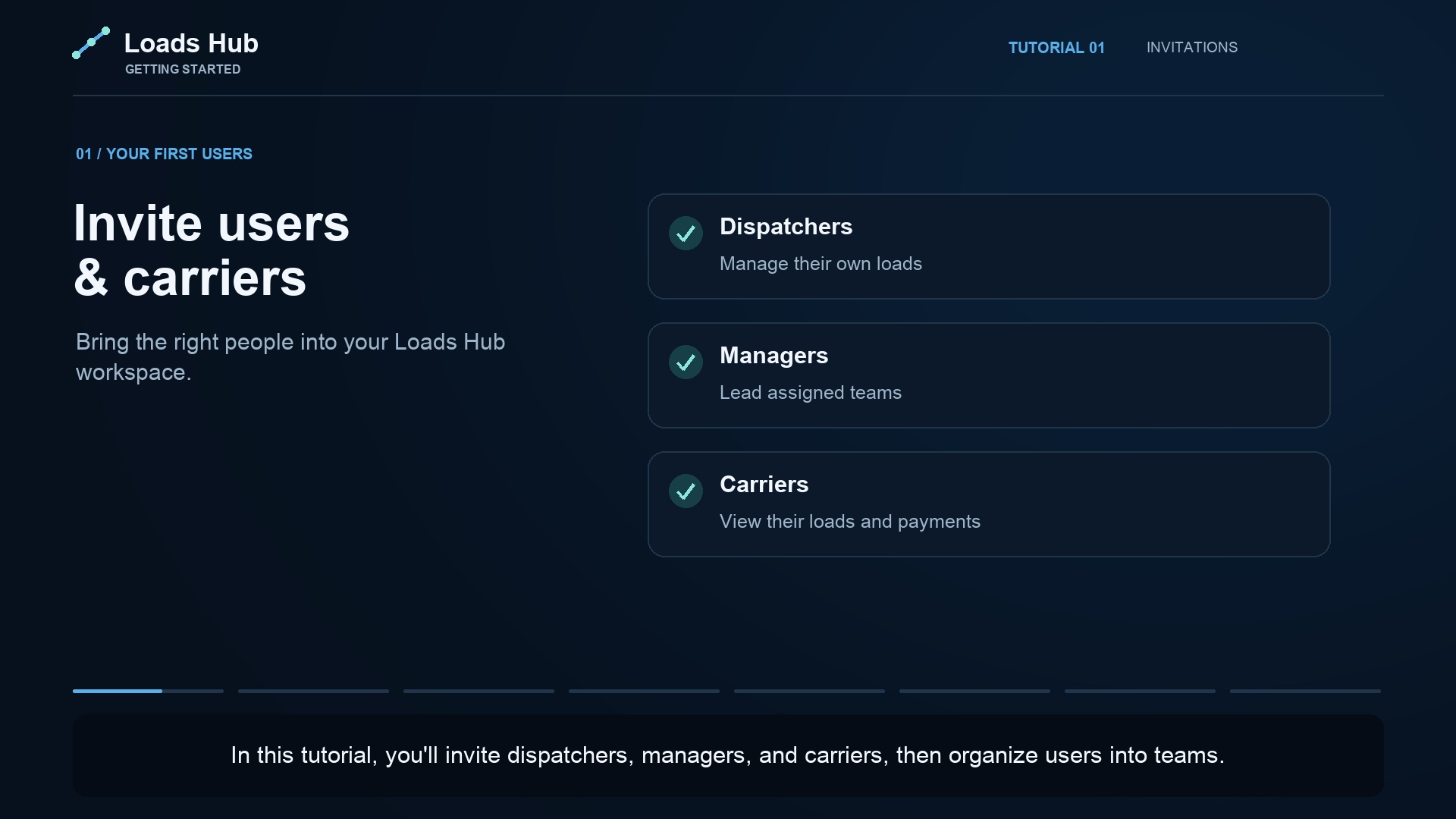
Start your trial and use Invite users & carriers to set up your users. Check each email, role, and team. Link carrier accounts to the correct company so access follows the intended client relationship.
2. Add carrier clients, trucks, and assignments.
Organize trucks under their carrier company. Enter driver contact details, truck type, location, and status. Assign the responsible app users separately. Review the truck setup tutorial for the complete sequence.
3. Confirm the money rules.
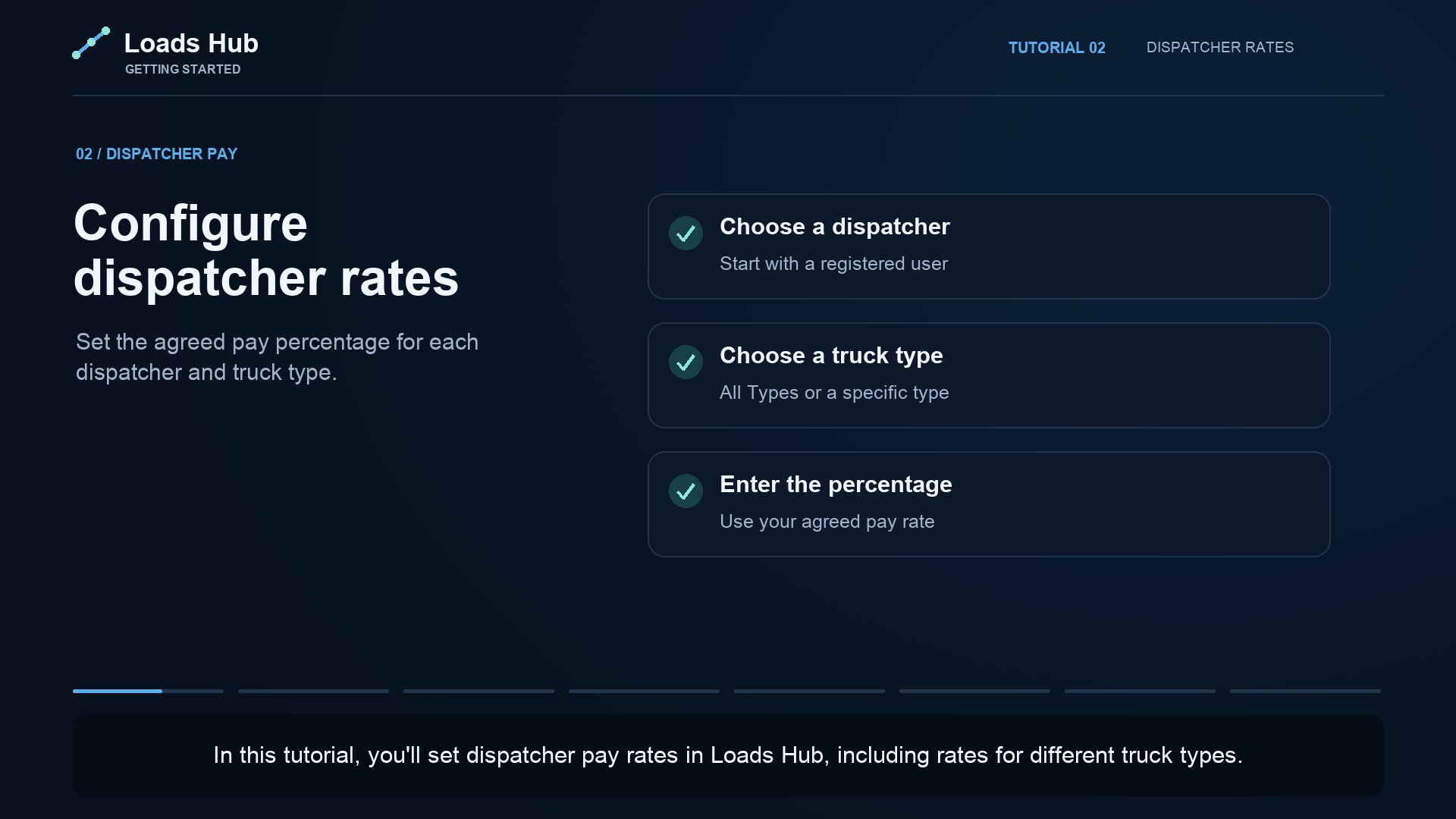
Configure each carrier's agreed dispatch fee in Receivables and each dispatcher's agreed pay rule in Payables. Check defaults rather than assuming they match your agreements. These are separate settings and should be reviewed separately.
4. Add a load and check the document.
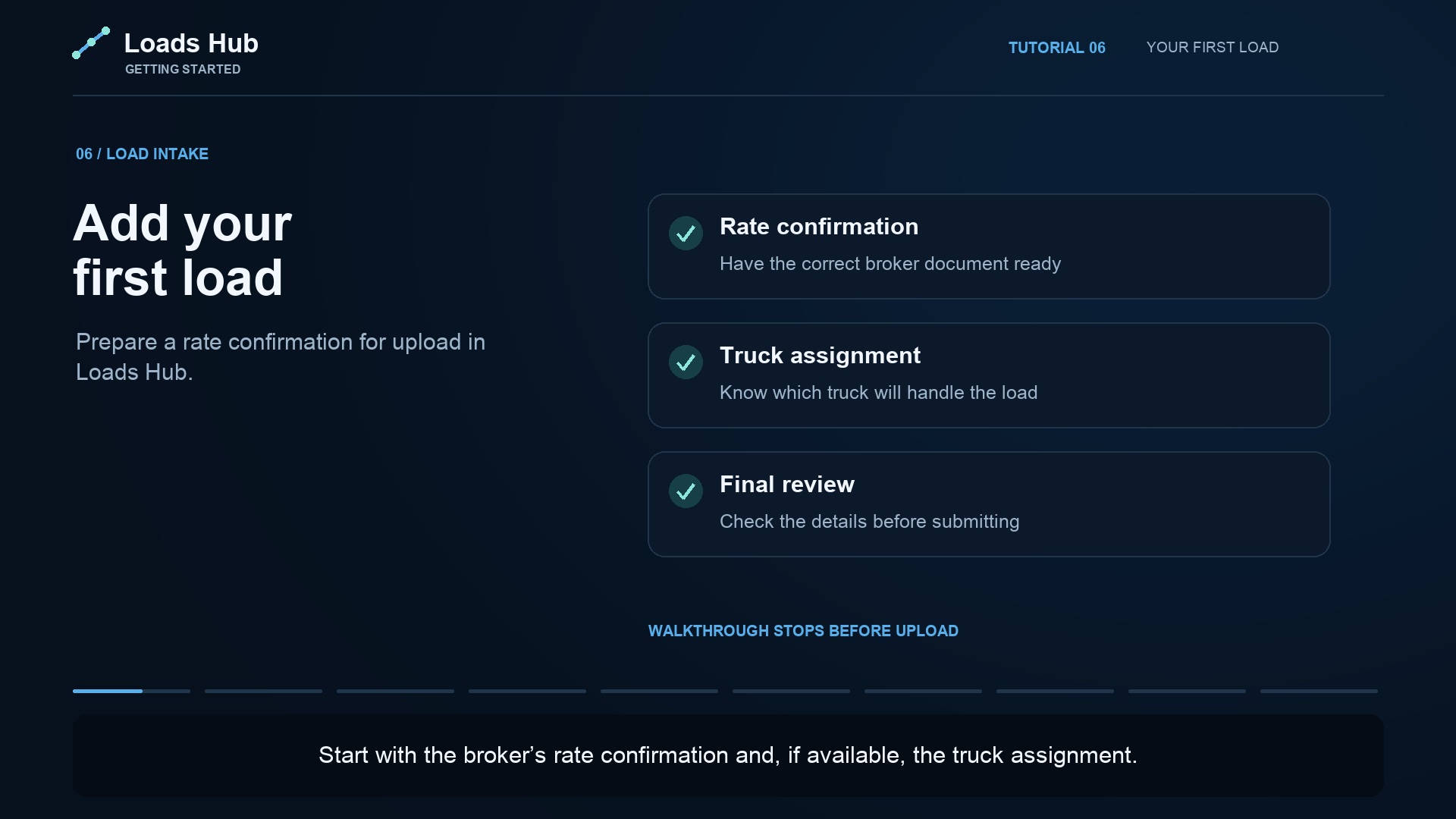
Follow Adding Your First Load. Review the rate, route, dates, carrier, and assignment. If you use AI extraction, compare the result with the original rate confirmation before continuing.
5. Review the board together.
Choose the correct week and check active filters before reviewing loads with your manager or team. Open a load when you need its details. Agree a short daily handoff routine around the board.
6. Close the loop on receipts and payments.
Review carrier receivables and dispatcher payables for the same reporting period. After a payment happens through your normal payment method, record it with its date and reference. Check history to avoid duplicate records.
Use the trial to test your actual workflow.
The trial lasts 14 days and requires no credit card to begin. Try a small, representative set of your office's work, check the relevant plan features, and invite the team members who will evaluate it with you. Review pricing before choosing the plan.
Need help with your board? Request free board customization. The Fleet plan also lists onboarding and migration help; see the plan comparison for the full feature list.