Set the rule before reviewing the result.
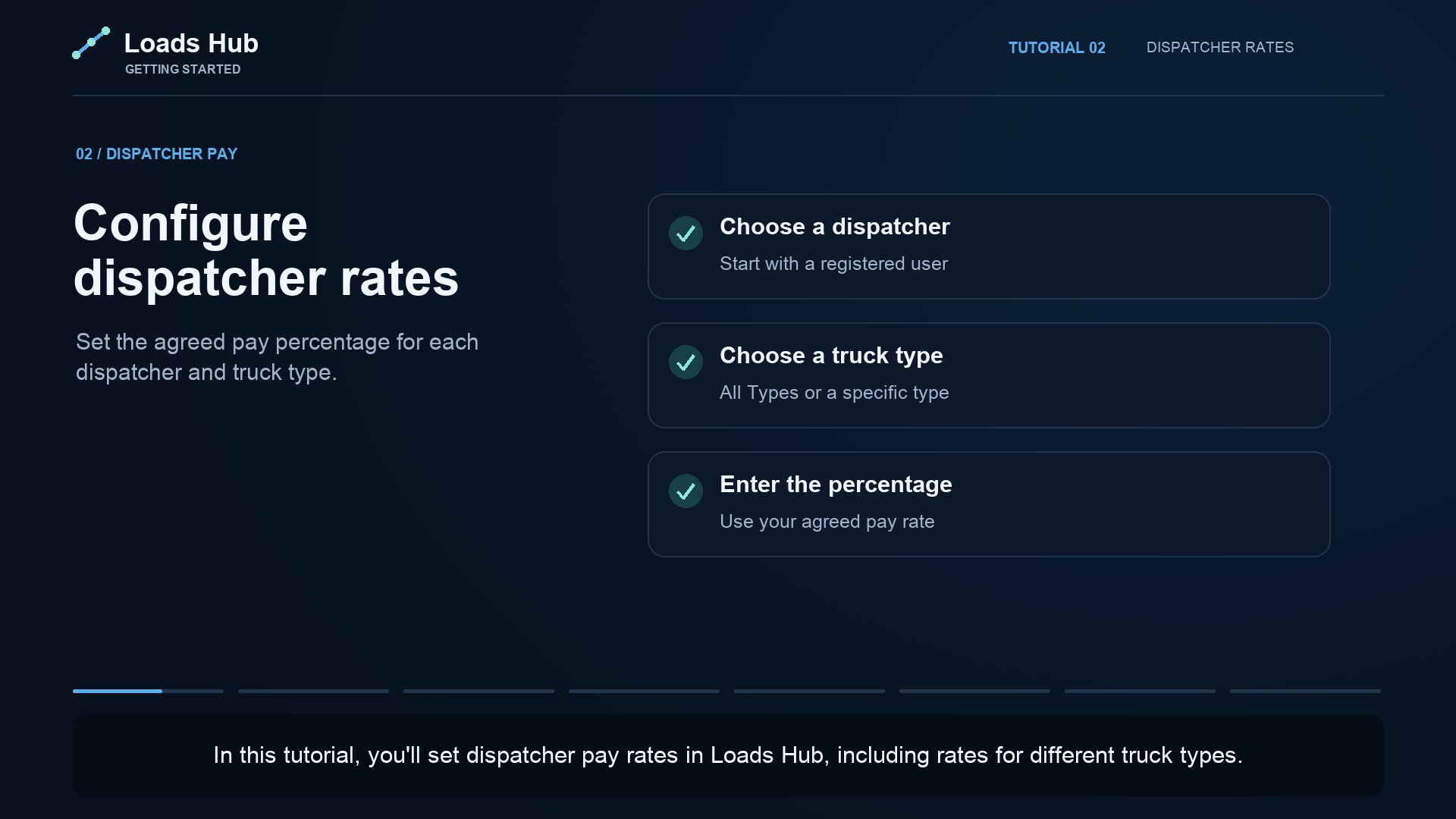
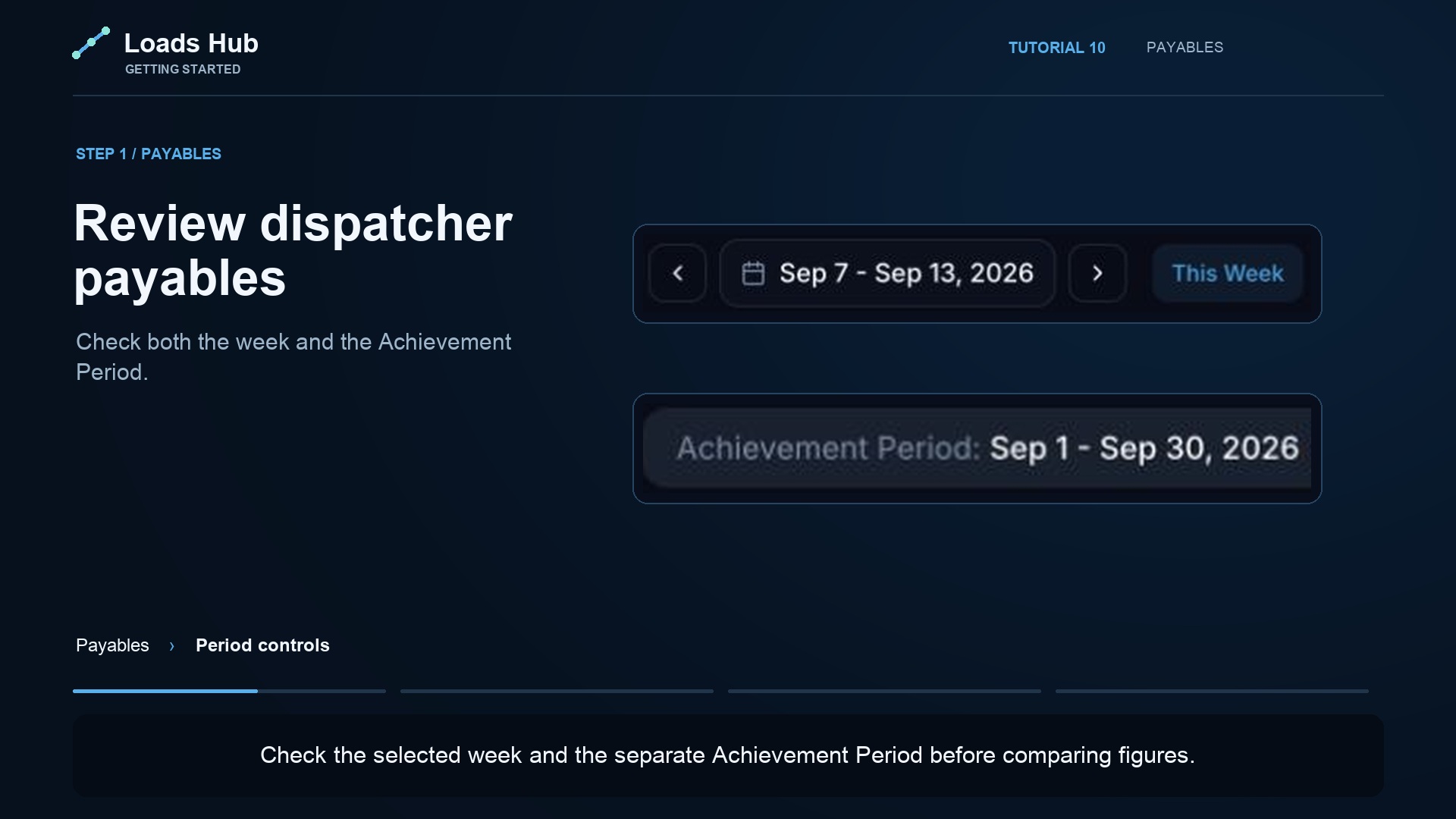
In Payables, open Dispatcher Rates and select the dispatcher. Create a general rate or a rate for a supported truck type. Review the agreed percentage before saving it. LoadsHub also supports achievement tiers and pay settings for supported profit-share arrangements.
Carrier dispatch fees and dispatcher compensation are different settings. In the percentage example taught in our rate tutorial, dispatcher pay uses the full load amount. A 2% dispatcher rate on a $1,000 load earns $20. An 8% carrier dispatch fee on that load is $80; the dispatcher’s percentage is not applied to that $80.
Separate earned, paid, and still owed.
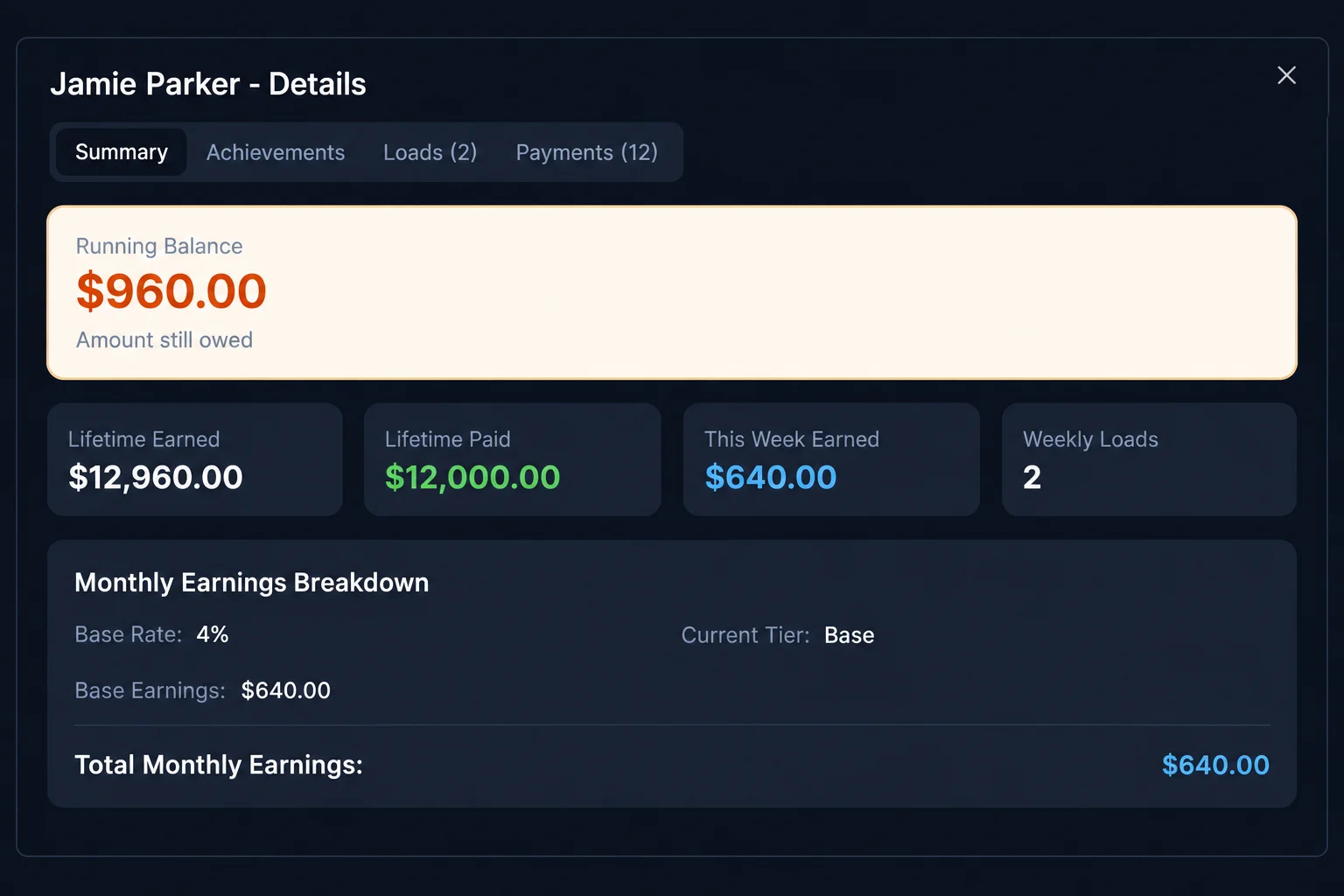
A dispatcher may have earned money that has not yet been paid. The details panel brings running balance, lifetime earnings, recorded payments, current-period earnings, and load counts into the same review.
Illustrative balance: $12,960 earned minus $12,000 paid leaves $960 still owed. This is a dispatcher balance, not office revenue.
Record the payment after it happens.
- Review the dispatcher and earnings period.
- Pay using your normal payment method.
- Record the amount, date, method, reference, and notes in LoadsHub.
- Check payment history before adding a second entry for the same transaction.
LoadsHub records payments; it does not send a payment simply because you saved a record.
Make pay questions easier to resolve.
Connect the right dispatcher account and review its role and team assignment. When a balance is questioned, start with the underlying loads and configured rule, then compare the recorded payments. Keeping these records together reduces the need to rebuild a pay calculation from messages.
See how carrier and dispatcher accounts fit into the office, and compare the carrier receivables workflow.