Less repeated work.
Read rate confirmations, keep documents with loads, and review assignments in one workspace.
Explore load automation →Manage your dispatchers, carrier clients, loads, documents, and commissions in one place. Built for dispatch companies serving the U.S. market.
14-day free trial · No credit card required
Illustrative dispatch board. Carrier names, assignments, and loads are sample data.
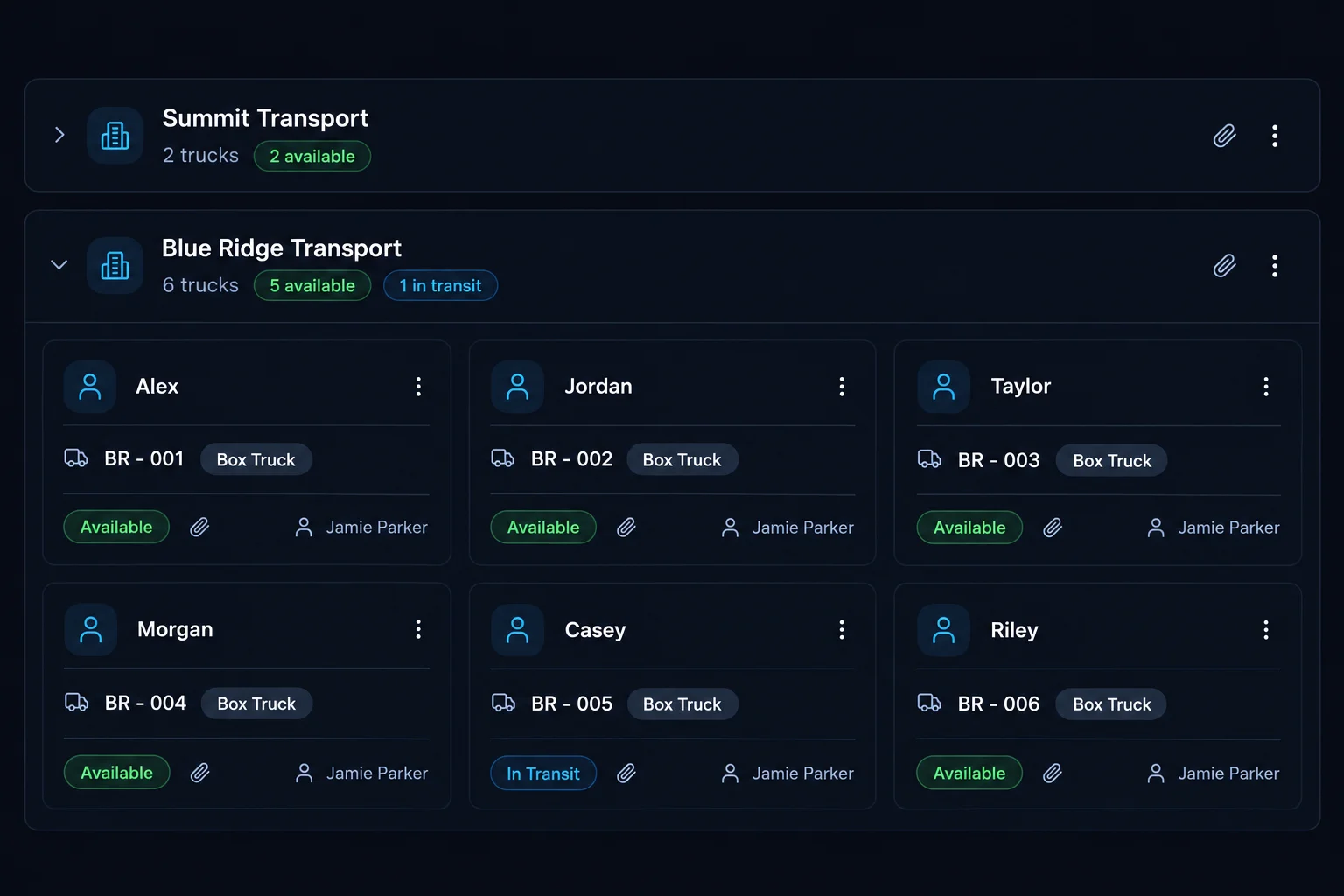
Keep the trucks you dispatch and the carrier clients behind them organized in one place.
See who is handling each load and give your dispatchers a shared view of the week.
Track dispatch fees and dispatcher commissions alongside the loads that generate them.
A connected workflow for the work your dispatch office does every day.
Start with the broker’s document.
Check the extracted details.
Connect the load to your team.
Apply your configured pay rules.
Review earnings and performance.
Start with one load. Follow it through the office.
Explore the rate-con sampleSee how a broker’s rate confirmation becomes a load your dispatch team can review and manage.
 Load preview
Explore the sample to see load details, a commission example, and the original document.
PDF, JPG or PNG · Up to 5 MB · PDFs up to 10 pagesWaiting for the extraction service to receive your file.
This is how your rate confirmation appears in the Loads section.
Upload and manage rate confirmations
| Status | Date | Route | Load # | Broker | Carrier | Driver | Dispatch | Rate | Dispatcher commission | Office earnings* | Actions |
|---|---|---|---|---|---|---|---|---|---|---|---|
| Booked |
Illustration: $2,450 freight value × 10% dispatch fee = $245 office revenue. Dispatcher commission is 3% of freight ($73.50), leaving $171.50 before overhead. Rates and assignments are examples.
Your load is shown here only. Nothing is added to a live account.
Explore the sample, or upload a rate confirmation to extract its load details for review.
Manage the trucks you dispatch across carrier companies, with a clear picture of who is handling the work.
Keep carrier details, trucks, loads, and dispatcher assignments connected as your office grows.
Give dispatch and accounting the same starting point: a load record with the documents and details they need.
Example load and supporting documents.
Separate the carrier’s freight revenue from your dispatch fees, dispatcher commissions, and office earnings.
Set pay rules for each dispatcher and review the earnings linked to their loads. Keep the calculation understandable for your team.
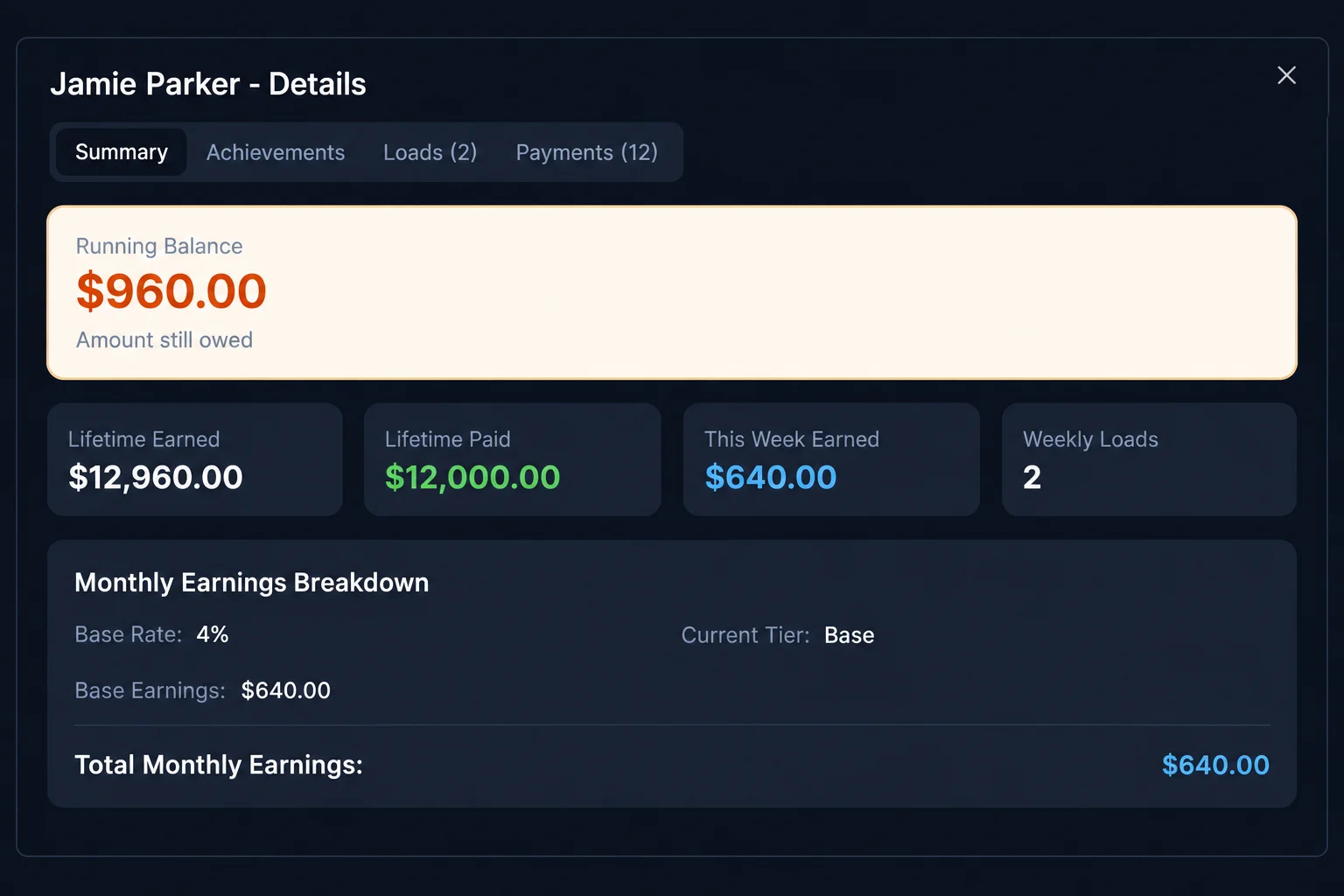
A $2,450 load is not $2,450 of dispatch-company revenue. Follow the example to see the dispatch fee, commission, and amount remaining.
Illustration only. Both percentages use freight value as their base. Your agreed carrier fees and dispatcher pay rules may differ. This is not net profit.
Give owners, managers, dispatchers, and accounting the access their work requires. Invite carrier users and link their accounts to the correct carrier company.
Review carrier relationships, team performance, and office earnings in one place.
Organize dispatchers and review assignments across the carrier clients your team serves.
Work with your assigned loads and trucks, with documents and commission information close at hand.
Review the dispatch fees owed by carriers and the earnings payable to dispatchers.
Built inside Dispatch FM
LoadsHub is owned by Dispatch FM, the dispatch company that built it. Over two years, an n8n project grew into software for the loads, documents, assignments, and payment records dispatch offices handle every week.
Read the LoadsHub story →Read rate confirmations, keep documents with loads, and review assignments in one workspace.
Explore load automation →Invite carrier and dispatcher users with access appropriate to their role. Follow carrier receivables and dispatcher payments as separate records.
See how accounts connect →Start with users, carrier clients, trucks, and agreed rates. Follow a load through the board and payment review.
Follow the setup checklist →Short walkthroughs from the existing LoadsHub tutorial library.
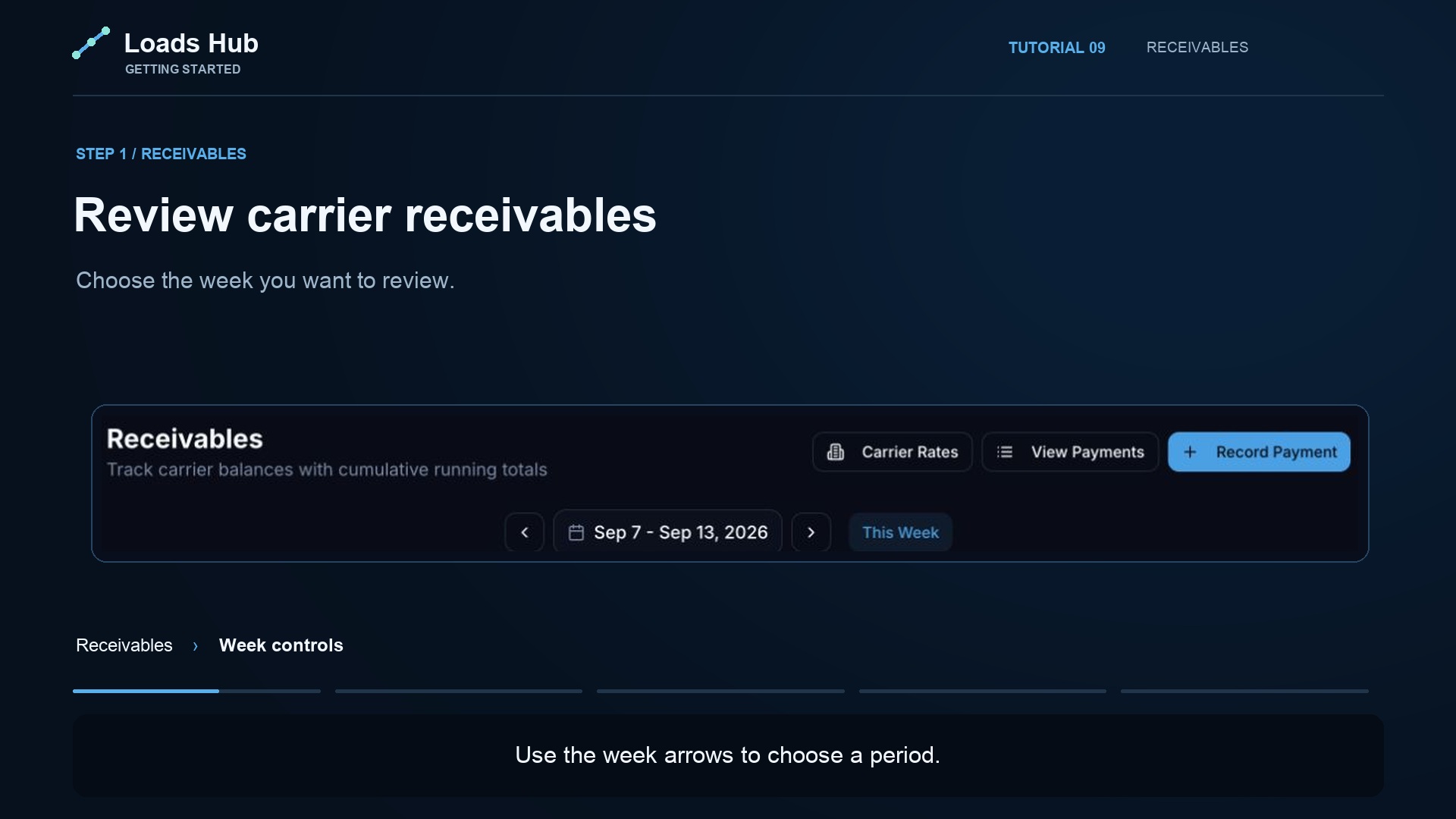 Watch · 1:04
Review weekly fees, outstanding carrier balances, and recorded payments.
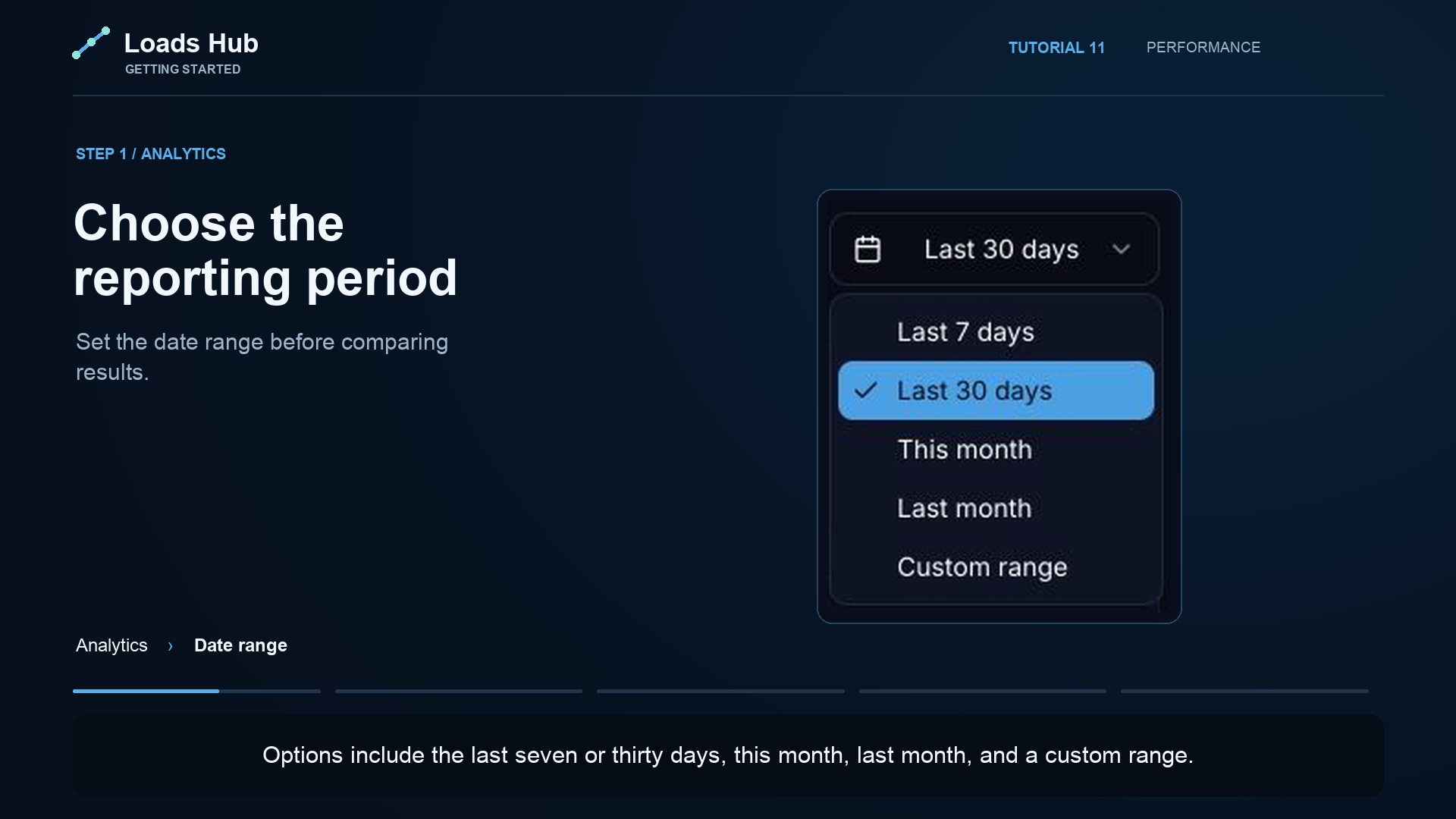 Watch · 1:05
Set performance targets and review progress across your dispatch office.
 Watch · 2:20
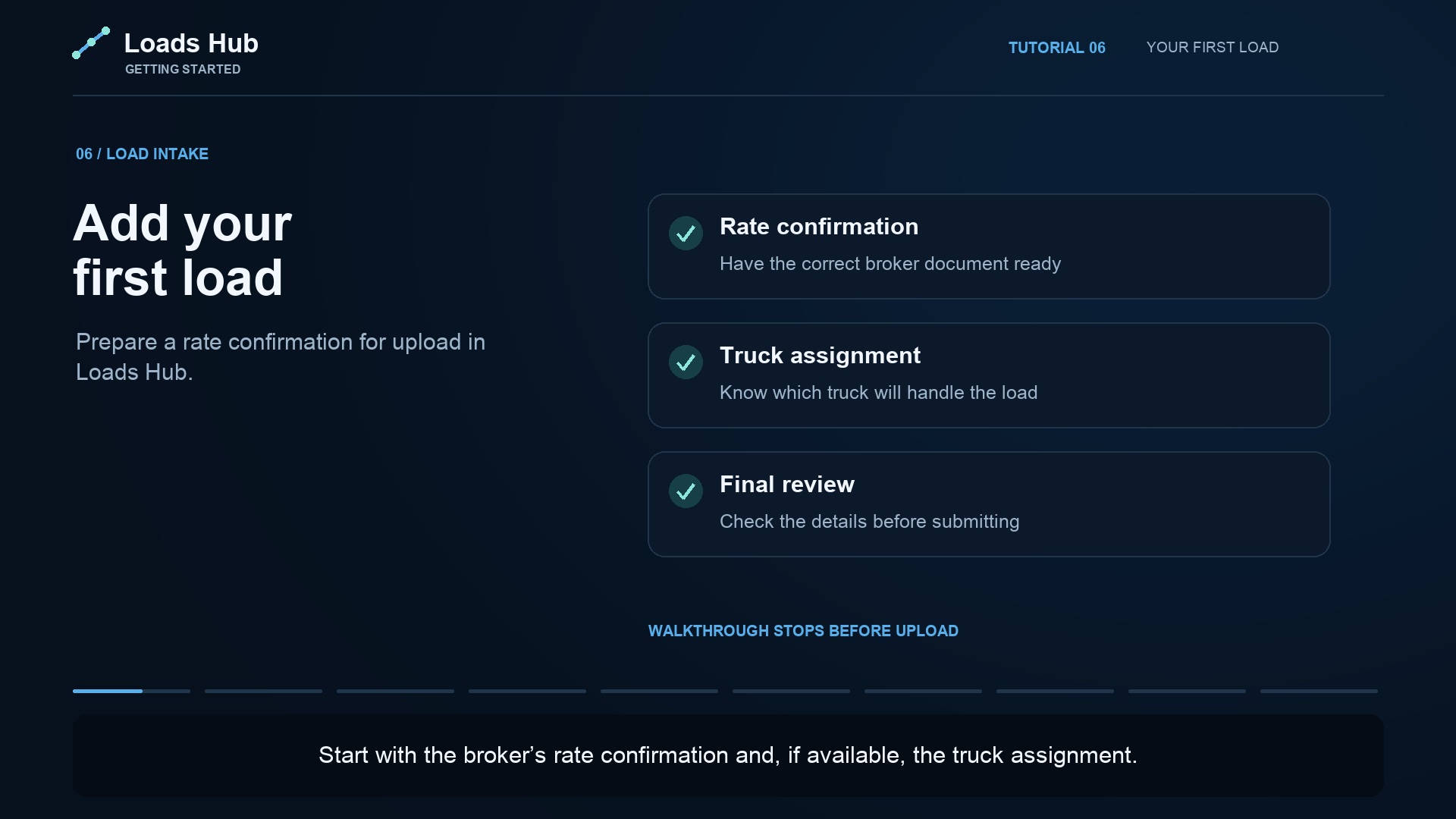
Add a load, review its details, and connect it to your dispatch workflow.
Built around dispatch work
Tell us how your managers and dispatchers use the board. We can customize it for free, with the changes and timing agreed together. Subscription fees and work beyond the board are discussed separately.
Compare the team sizes and features below. Start with the plan that fits your dispatch office today.
All plans start with a 14-day free trial. No credit card to begin, cancel any time.
Start your 14-day trial. Bring in your carrier clients, invite your dispatchers, and see how LoadsHub fits your daily work.
Choose the plan that fits your team.
The details to know before bringing your team on board. Learn about carrier and dispatcher accounts or free board customization.
Yes. LoadsHub brings carrier clients, trucks, loads, dispatcher assignments, documents, and office finances into one workspace for dispatch companies serving the U.S. trucking market.
Yes. The focus is the market you serve, not where your office is located. Your team uses LoadsHub in a web browser to manage dispatch work for carriers operating in the U.S.
Yes. Organize carrier companies and their trucks within your dispatch office, assign dispatchers, and manage the associated loads and documents.
Configure dispatcher rates, achievement tiers, and supported profit-share rules. Different dispatchers can have different settings. The example on this page illustrates one percentage model, not a required pay arrangement.
Access follows the roles and team assignments configured for your office. Owners manage the office, managers coordinate their teams, and dispatchers work with their assigned operations. Review those assignments as your team changes.
Start with your office and team, add carrier clients and trucks, then configure dispatcher pay rules before adding loads. The tutorial library walks through these steps. The Fleet plan lists onboarding and migration help.
The trial lasts 14 days and does not require a credit card to begin. If you add payment details and continue, your selected plan is billed monthly. Without a payment method, the subscription pauses at the end of the trial.
The amounts, carrier names, and assignments shown are illustrative. In the load example, dispatch fees and dispatcher commissions are percentages of freight value. Office earnings are the dispatch fee minus the dispatcher commission, before overhead and other costs. Your agreed fees and pay rules may differ.
Bring your dispatchers, carrier clients, and daily work together with LoadsHub.
Made by dispatchers for dispatchers.